 vestra.storeSponsored •••

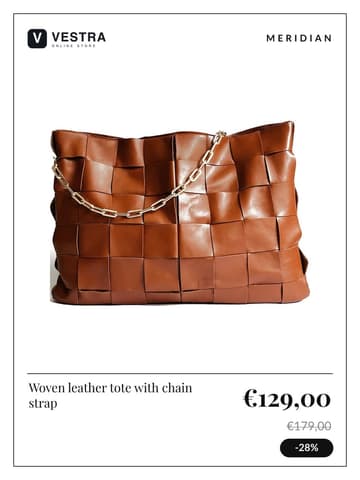
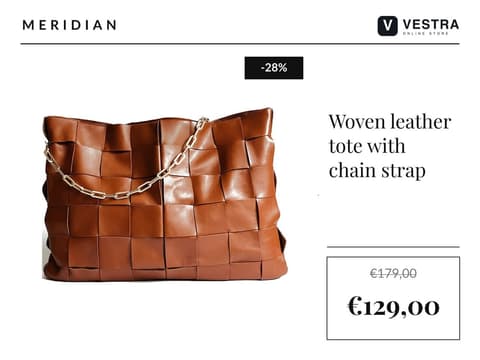
€129,00
€179,00
−28%
Shop now
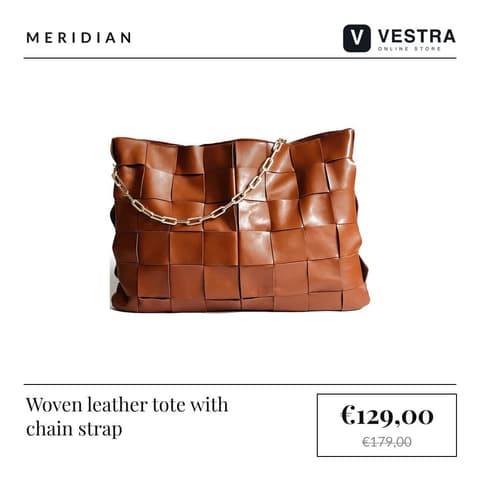
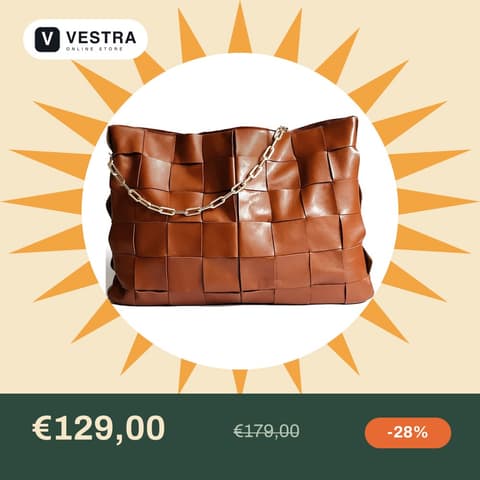
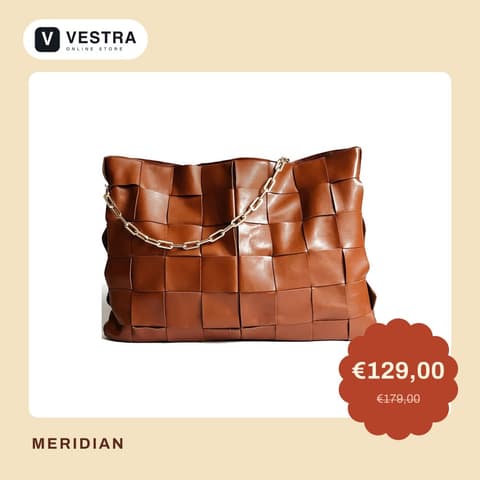
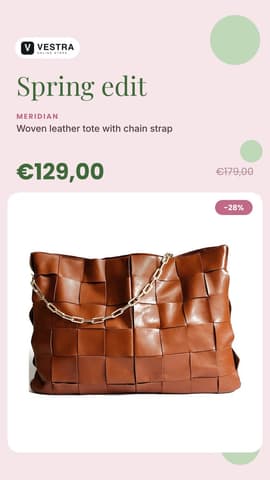
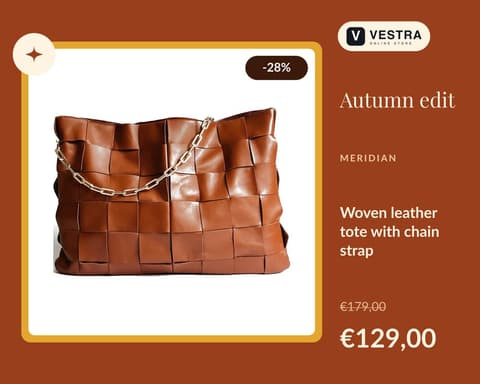
vestra.store Woven leather tote with chain strap. Now €129,00.
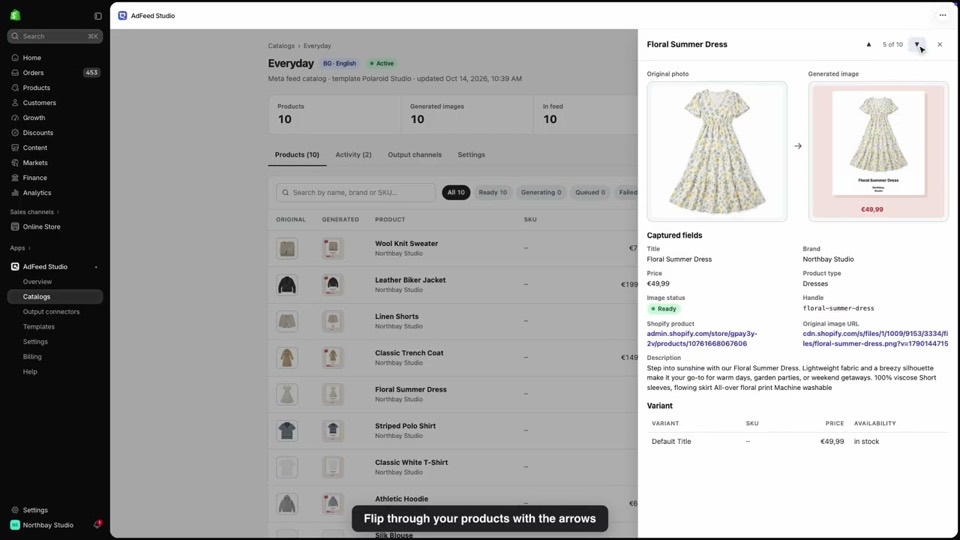
AdFeedStudio turns every Shopify product photo into a branded ad from your template, with the live price, discount and logo, and keeps it running on Meta, TikTok and Google. For the whole catalog, automatically.
7-day free trial on Starter · Billed through Shopify

 vestra.storeSponsored •••
 vestra.store Woven leather tote with chain strap. Now €129,00.
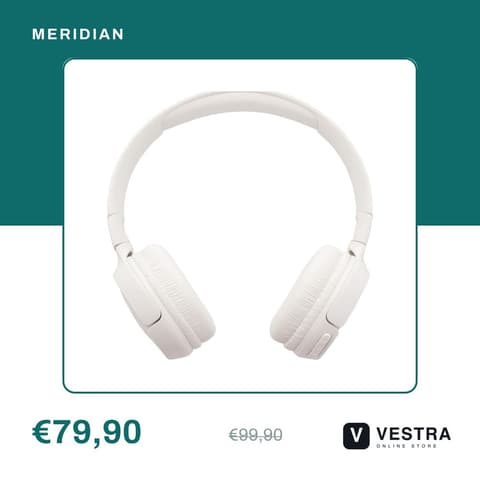
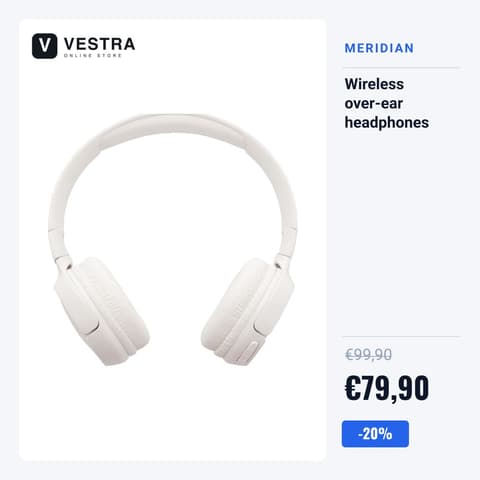
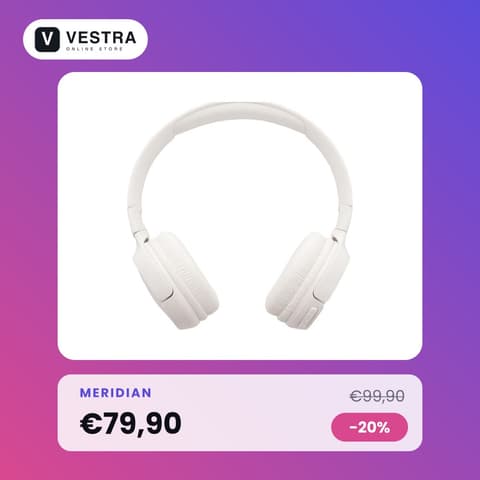
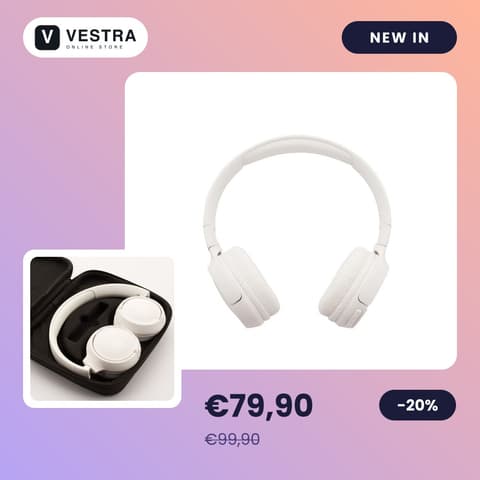
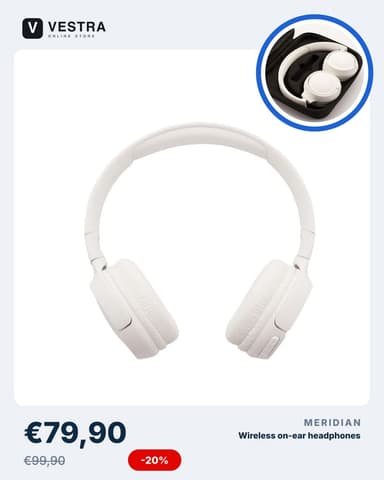
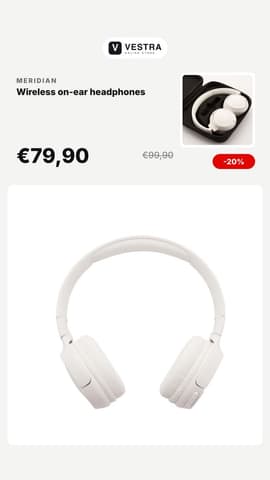
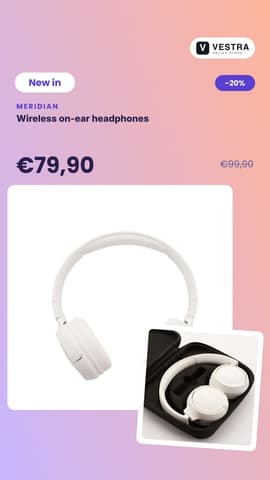
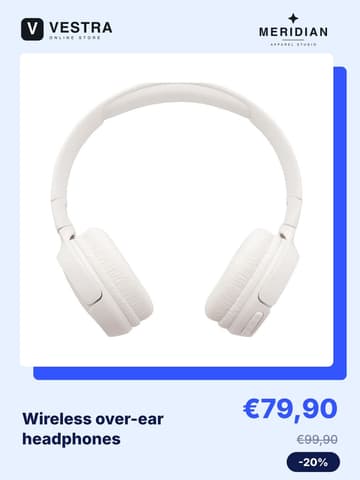
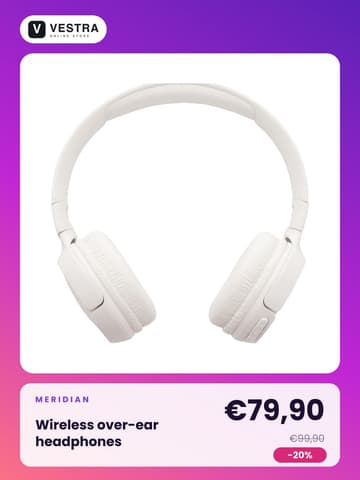
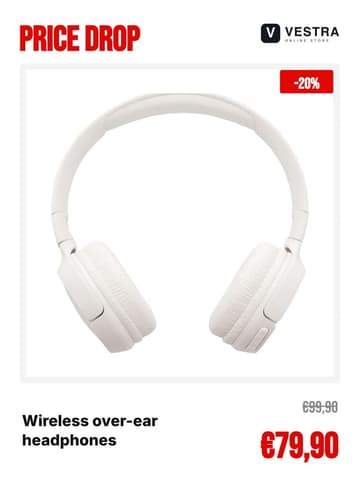
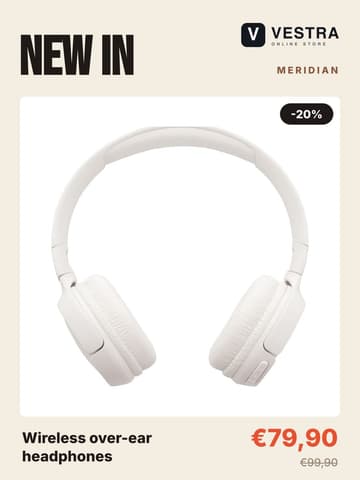
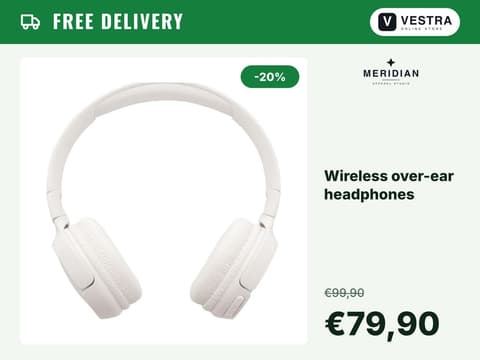
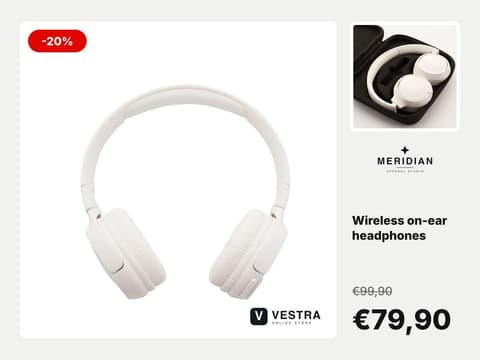
vestra.storeSponsored ••• vestra.store Wireless over-ear headphones. Now €79,90.
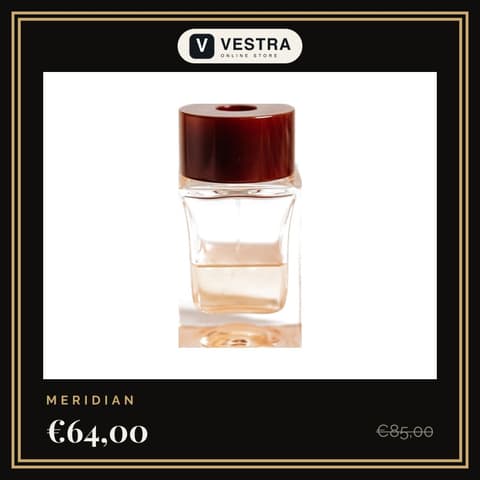
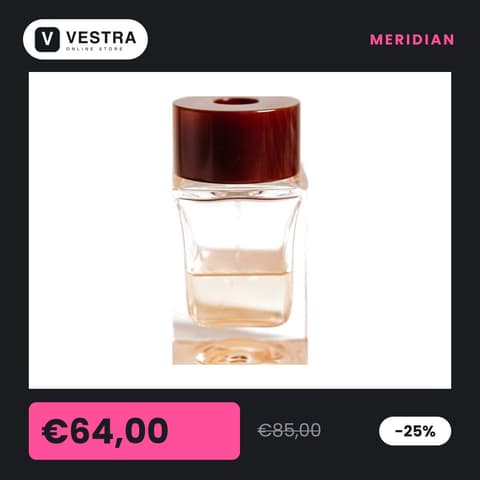
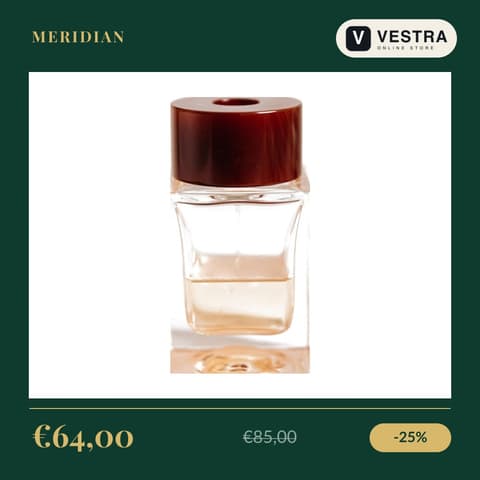
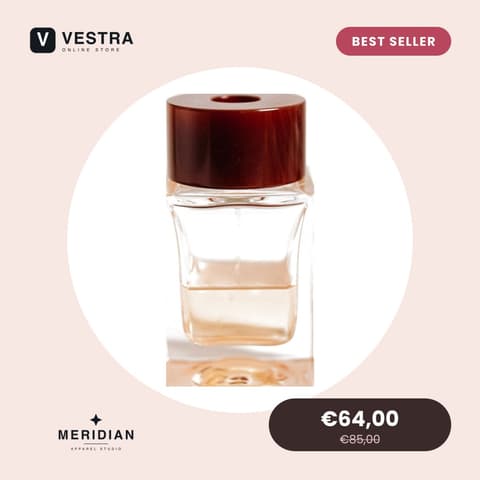
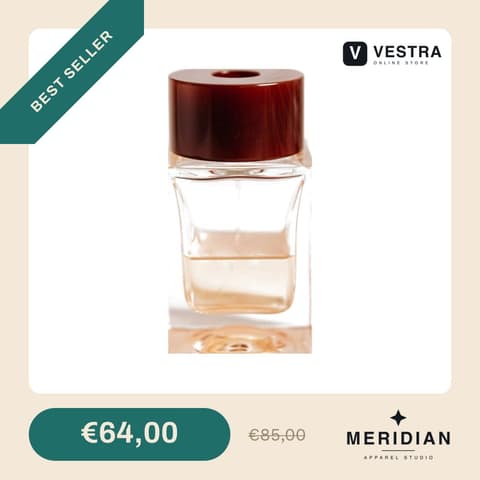
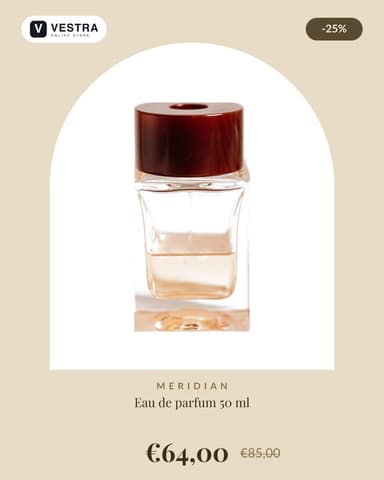
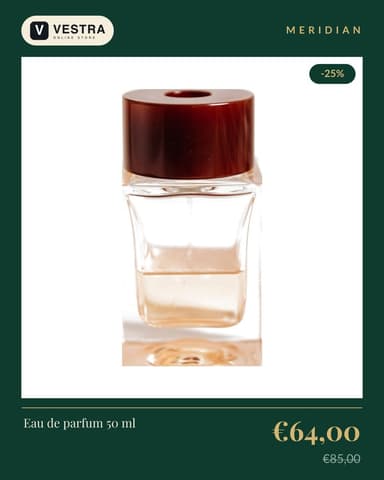
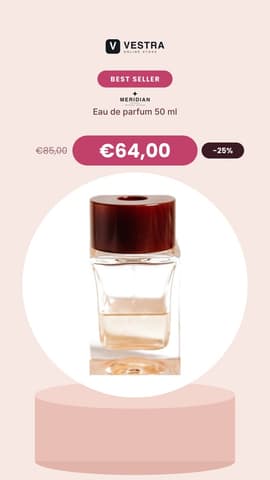
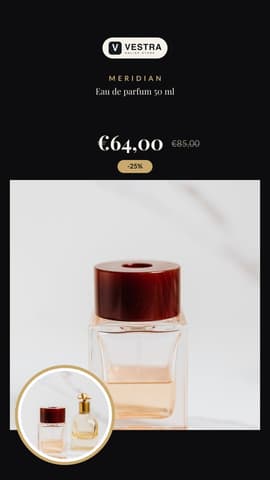
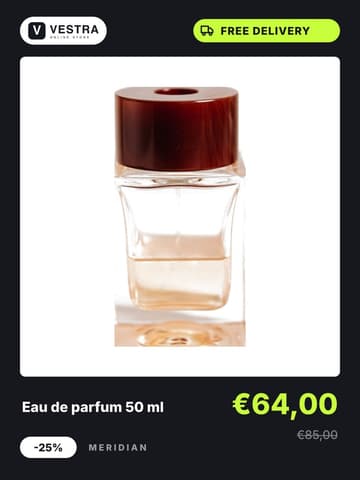
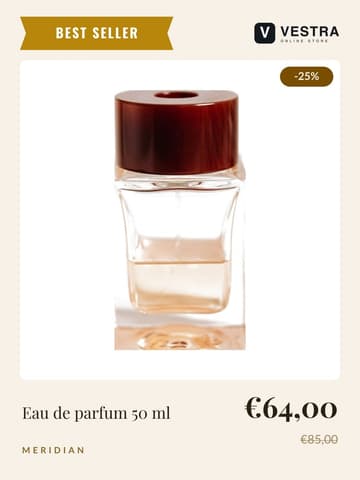
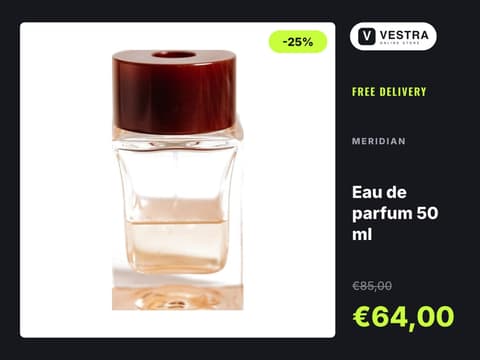
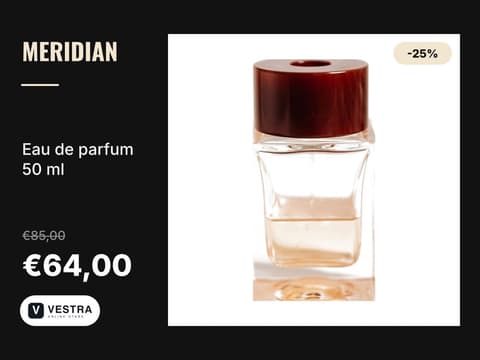
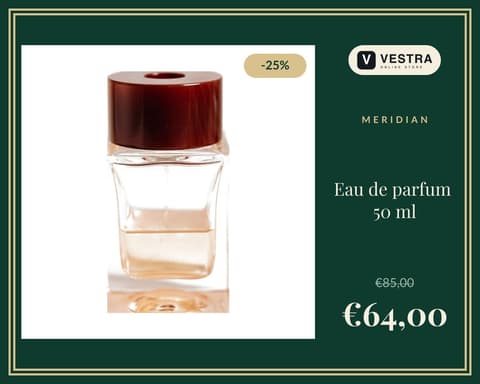
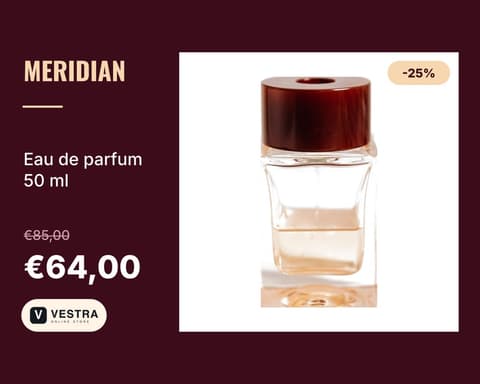
vestra.storeSponsored ••• vestra.store Eau de parfum 50 ml. Now €64,00.
Templates
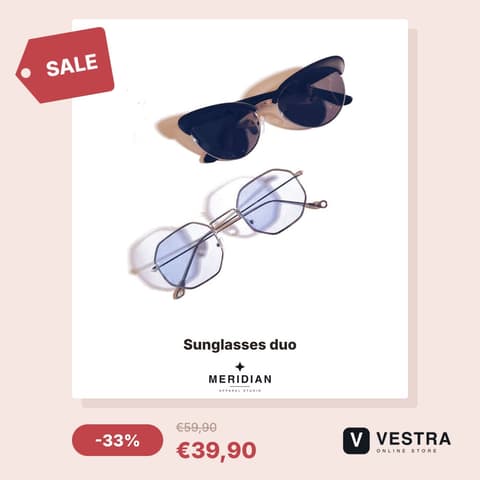
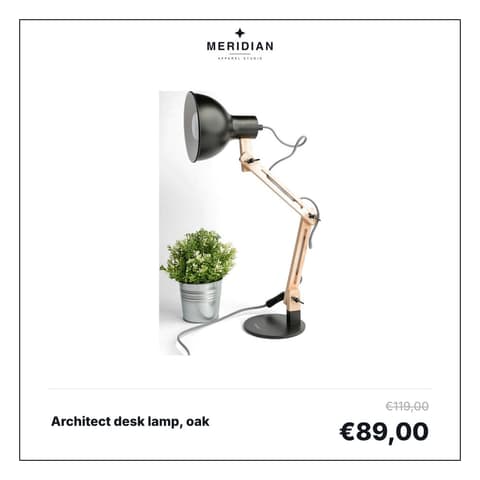
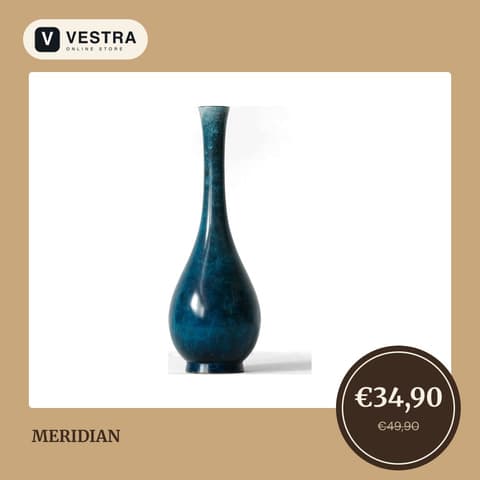
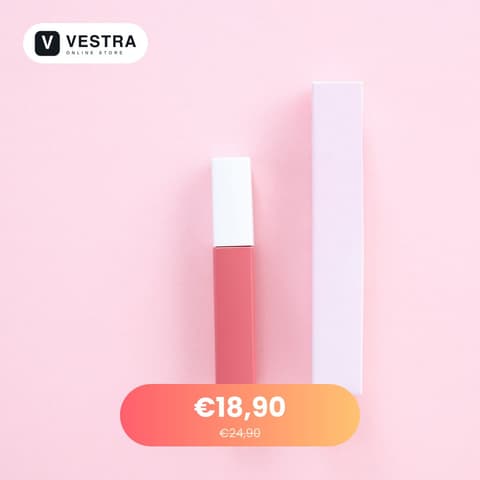
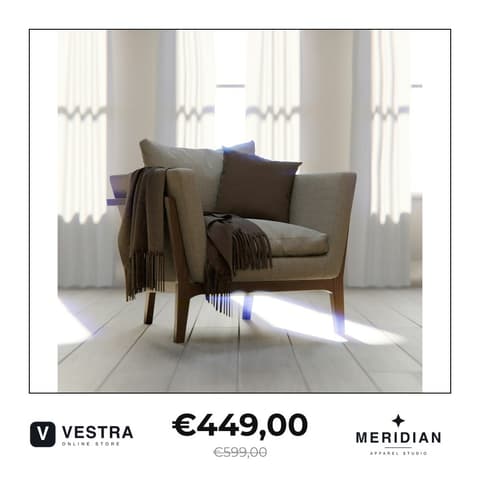
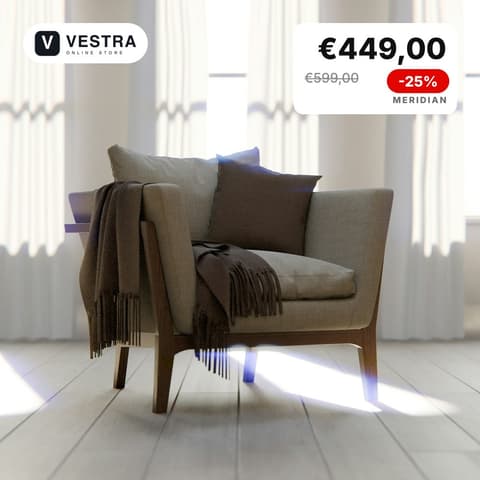
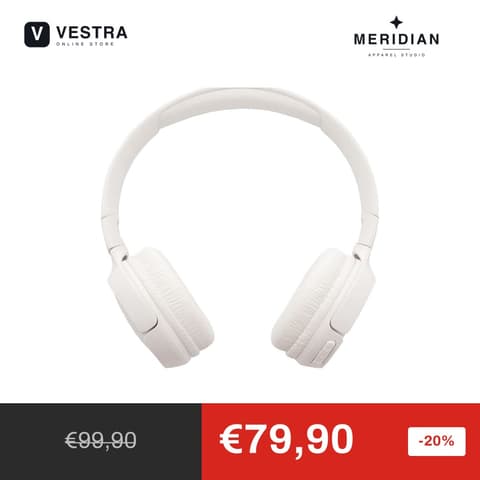
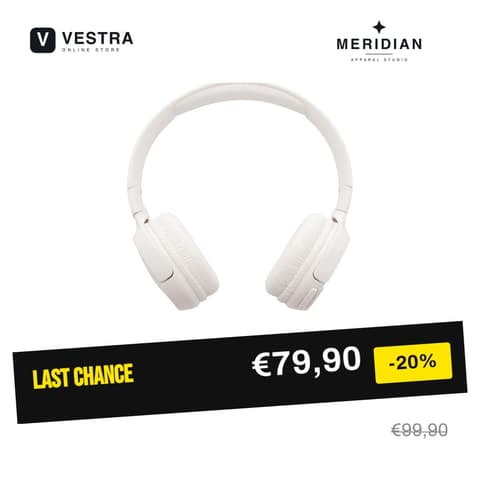
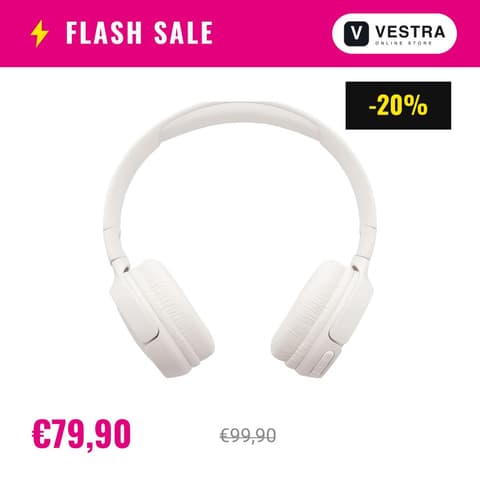
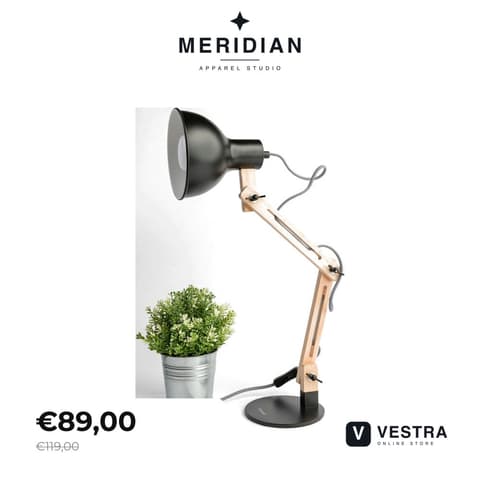
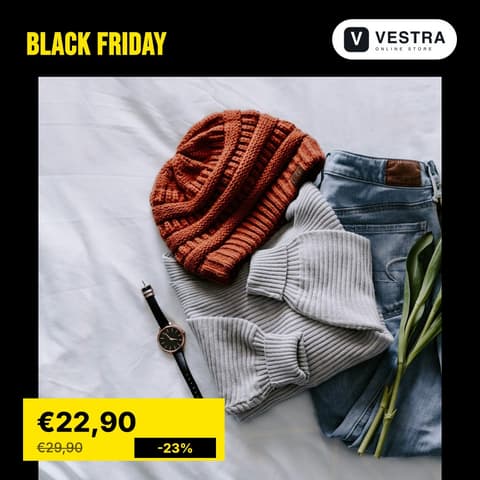
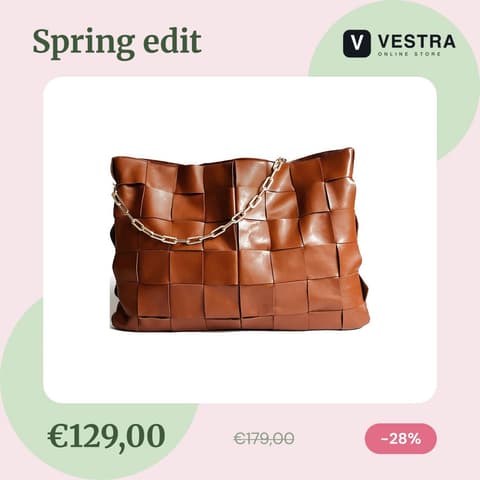
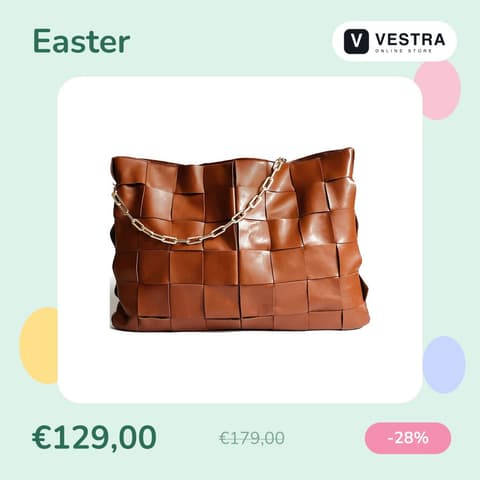
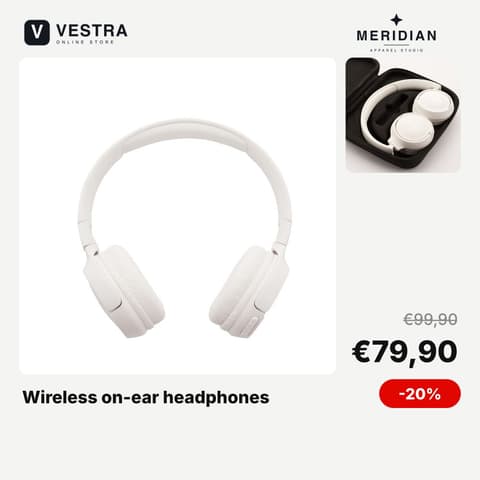
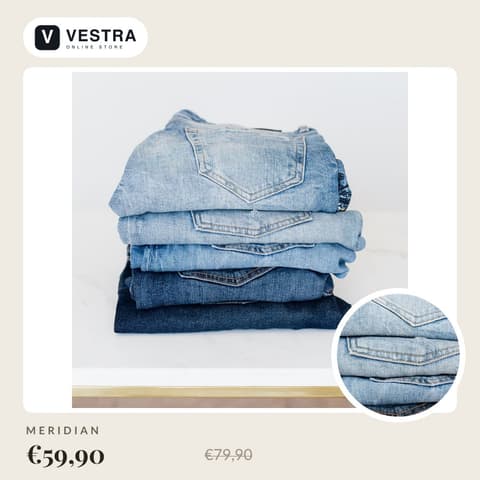
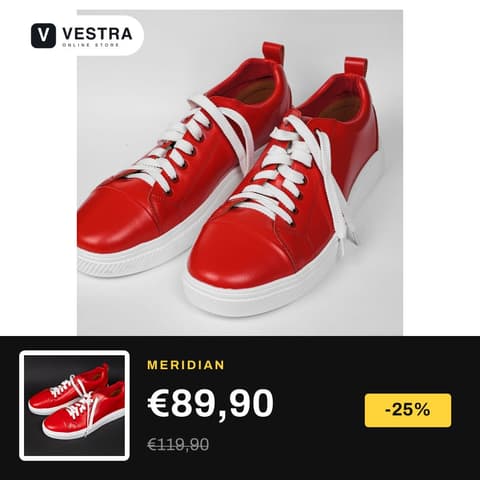
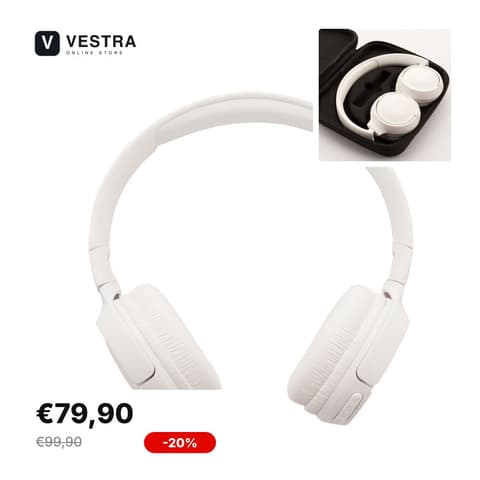
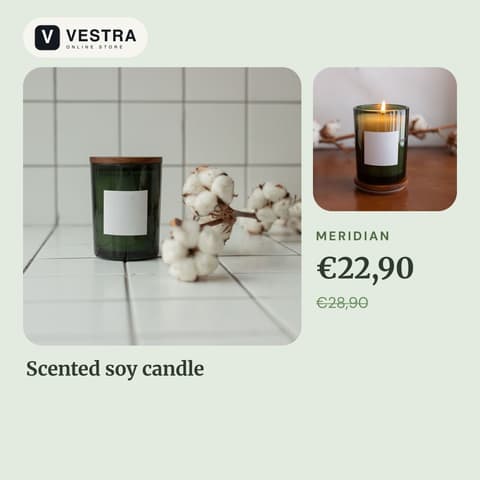
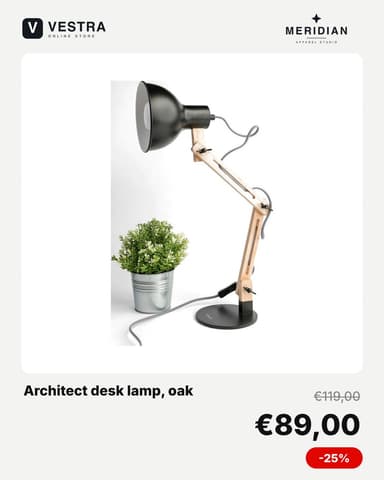
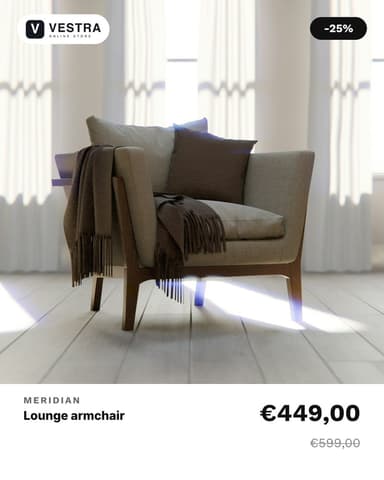
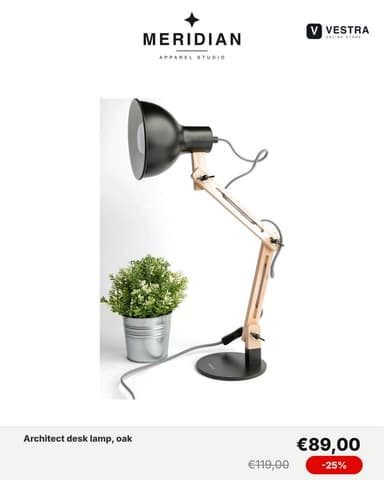
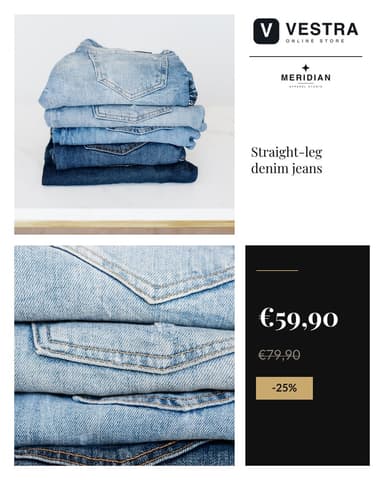
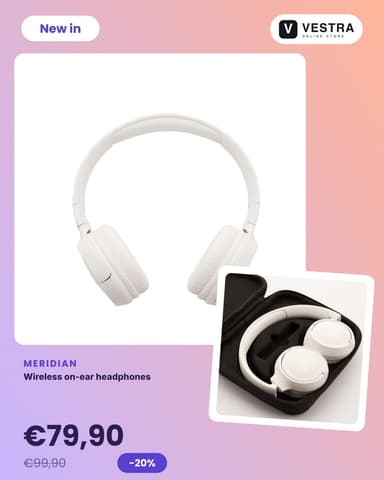
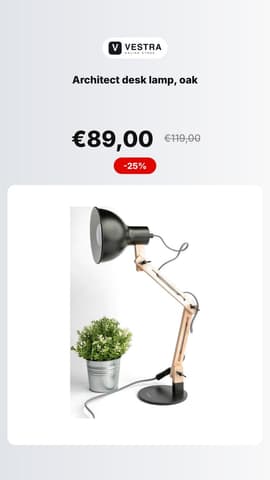
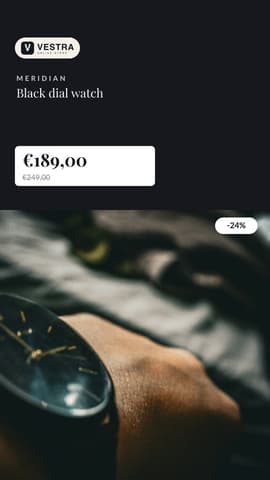
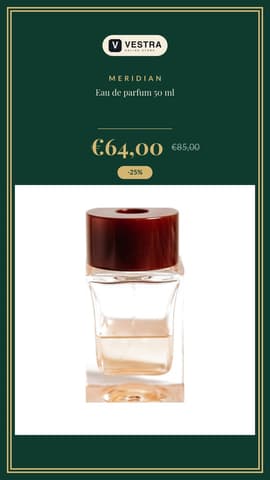
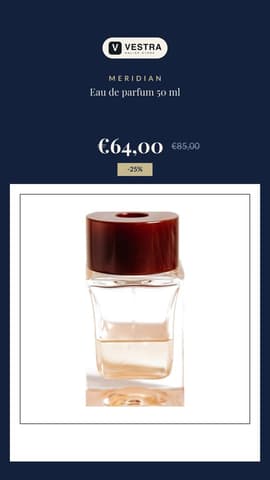
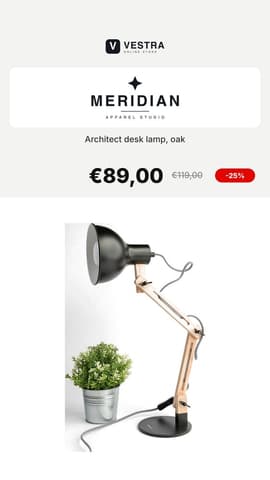
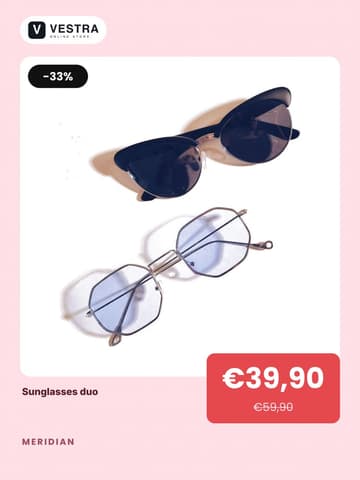
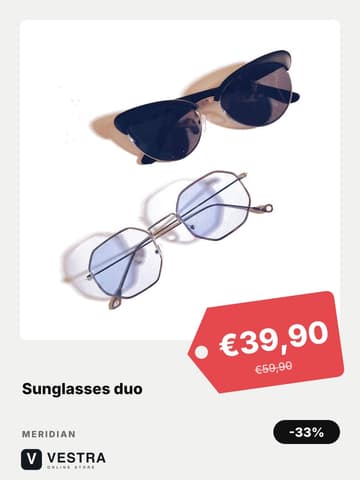
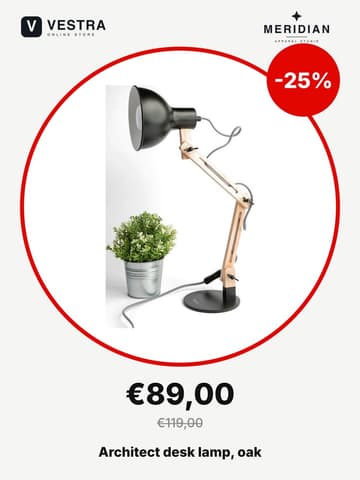
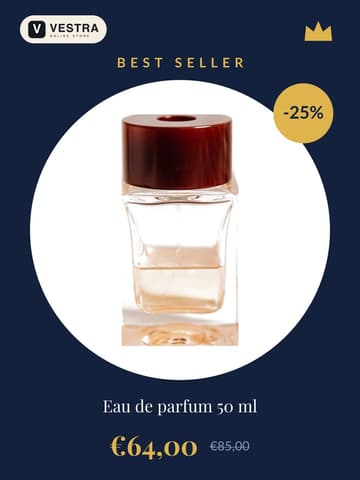
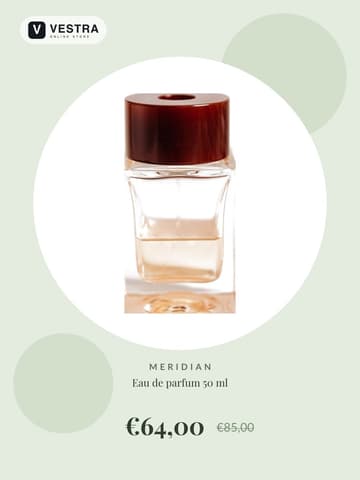
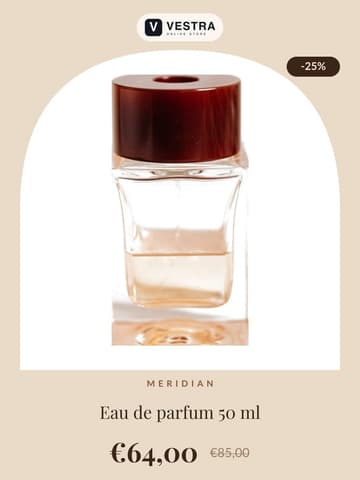
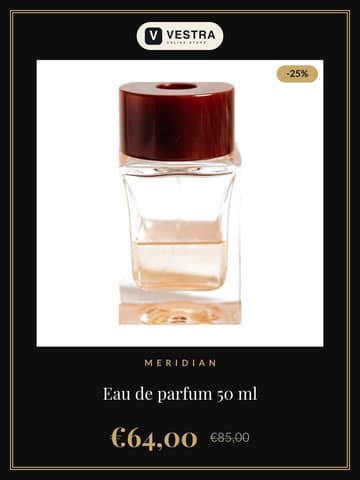
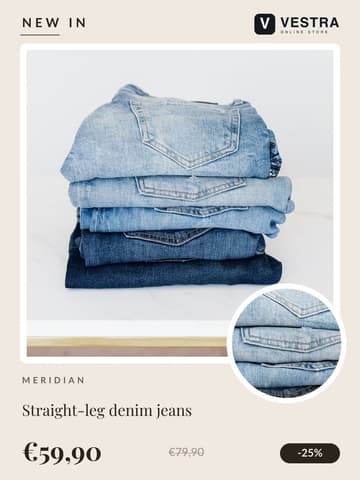
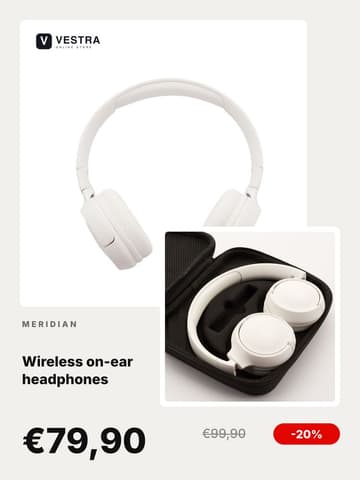
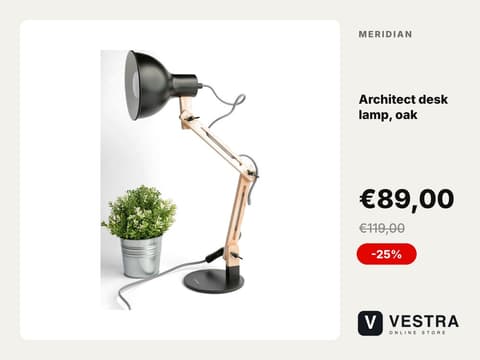
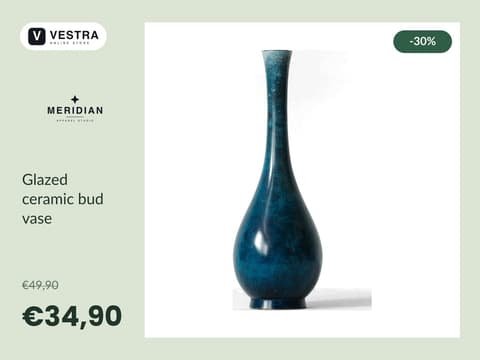
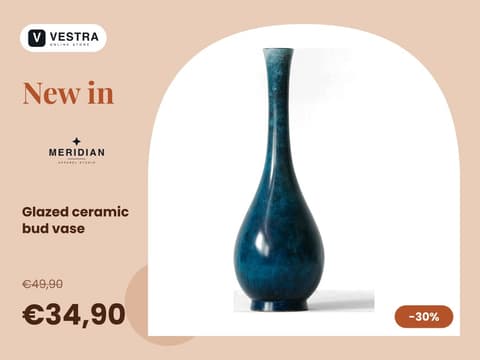
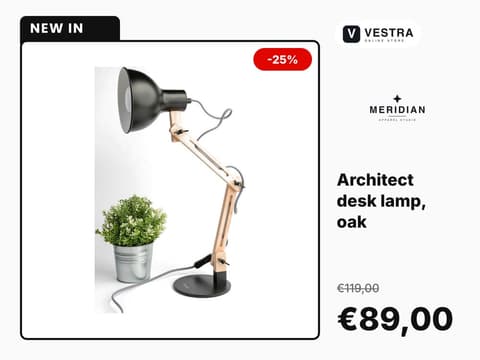
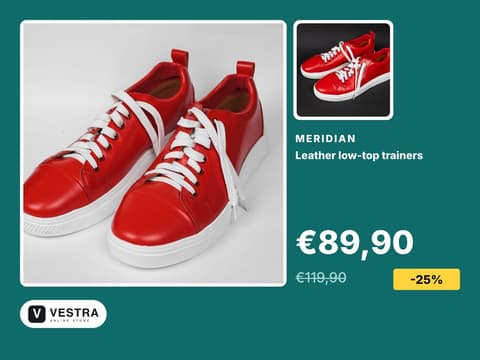
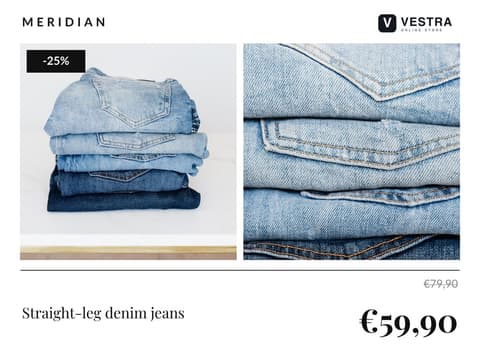
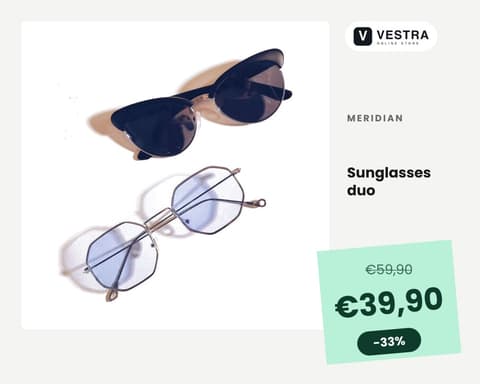
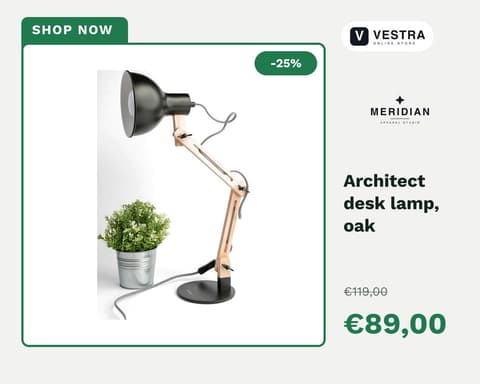
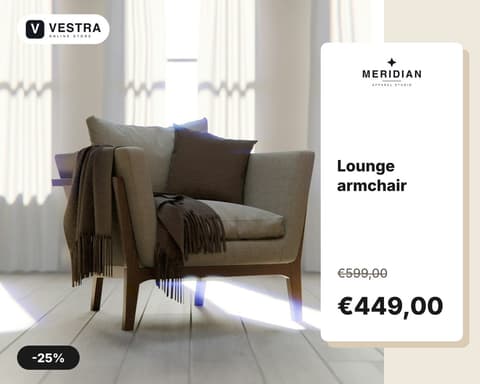
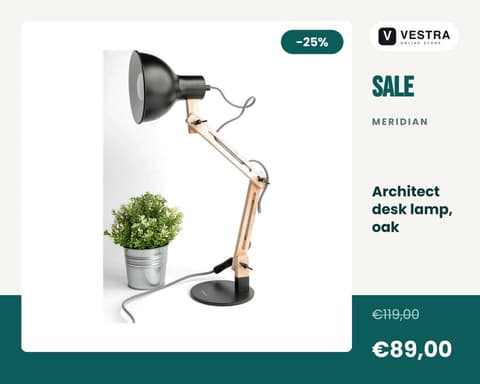
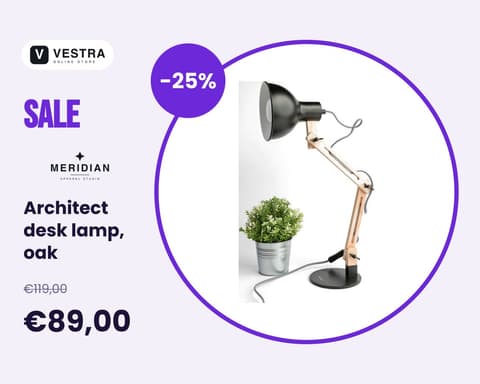
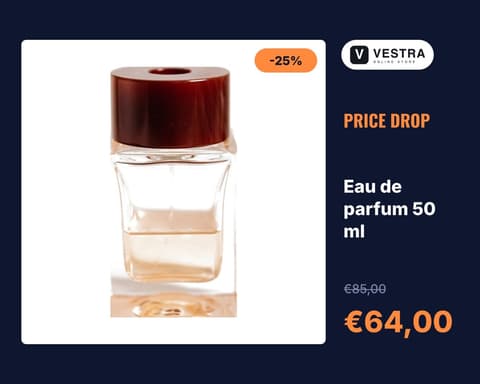
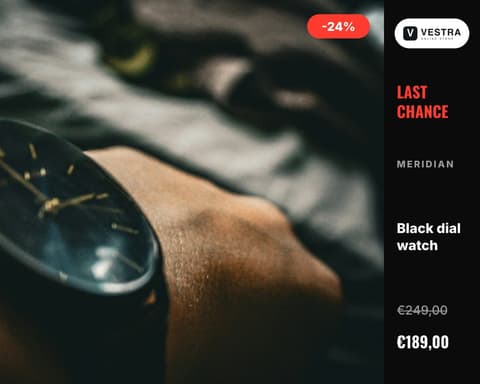
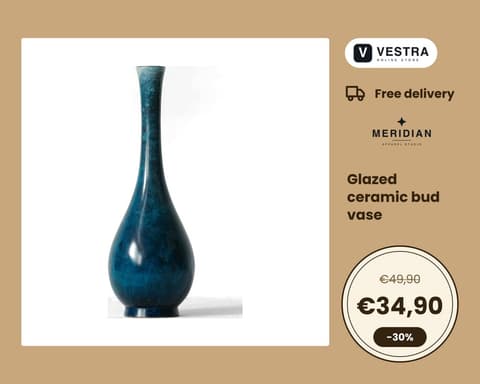
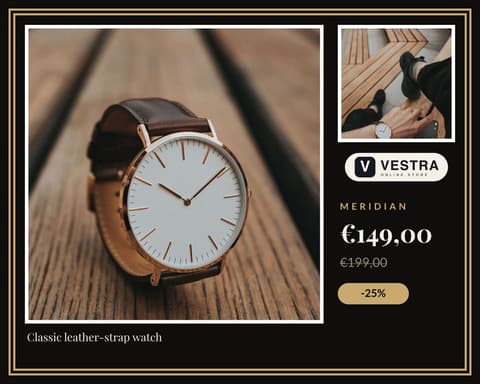
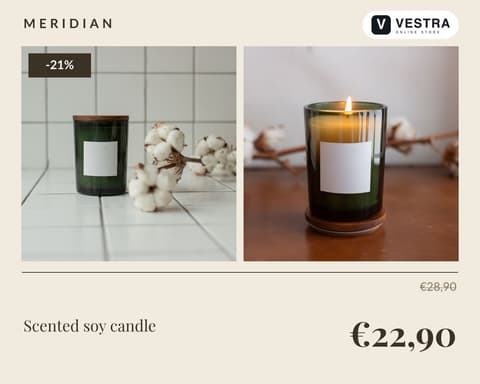
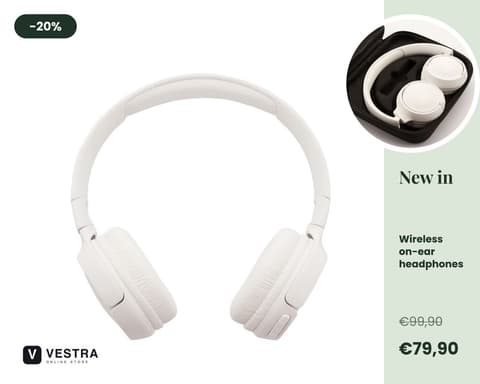
Designed for catalog ads, in every size from square to stories. Duplicate one, change the colours and text, or start from a blank canvas.
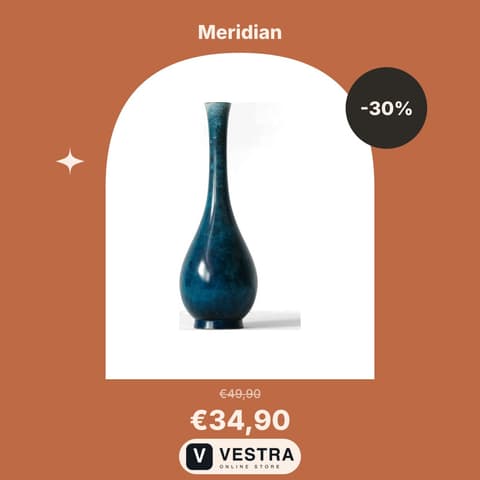

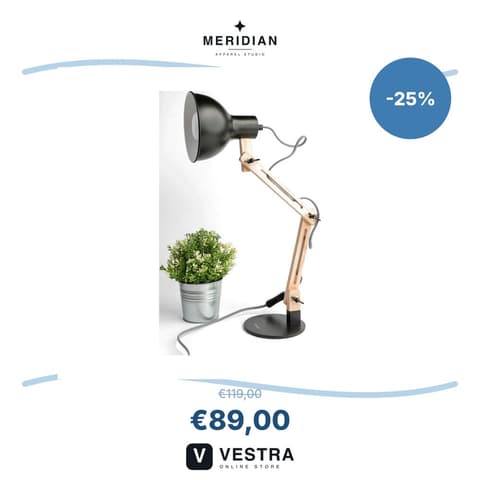
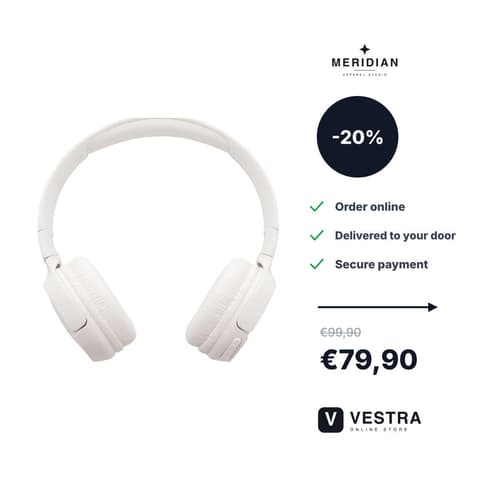
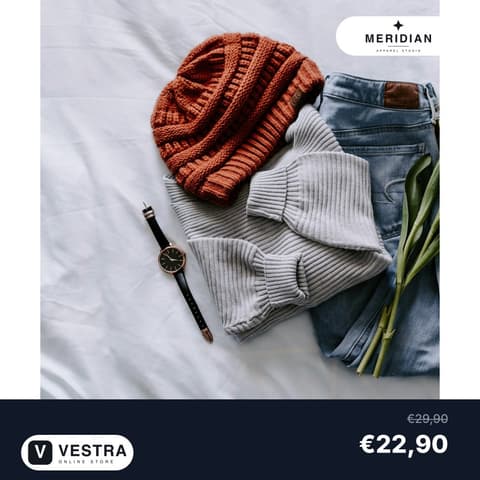
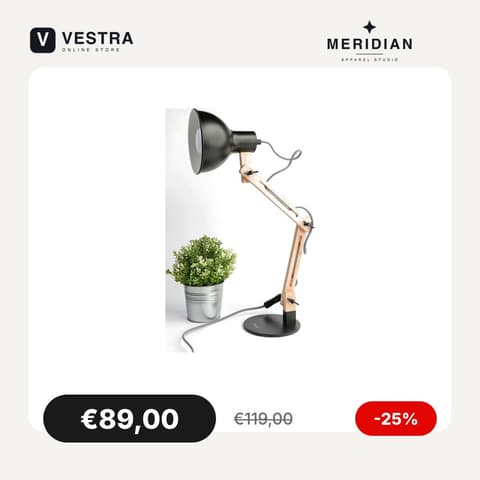
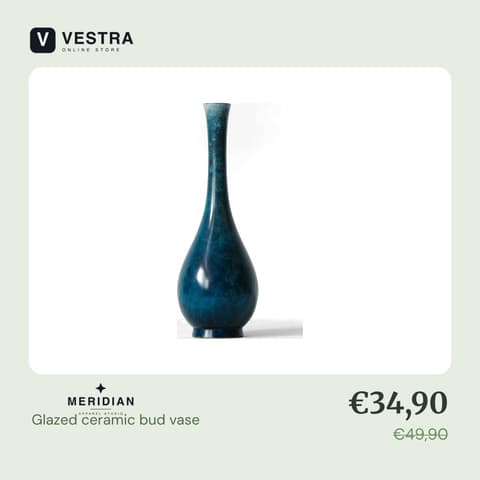
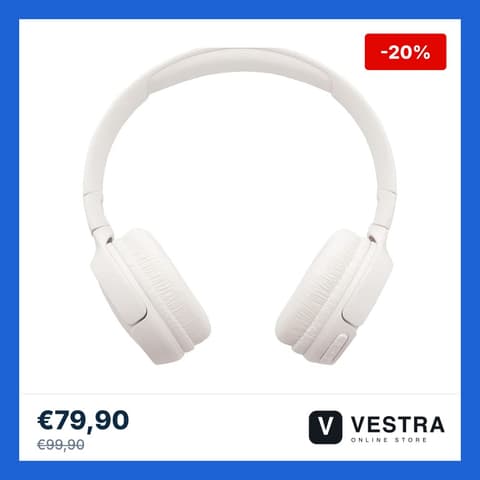
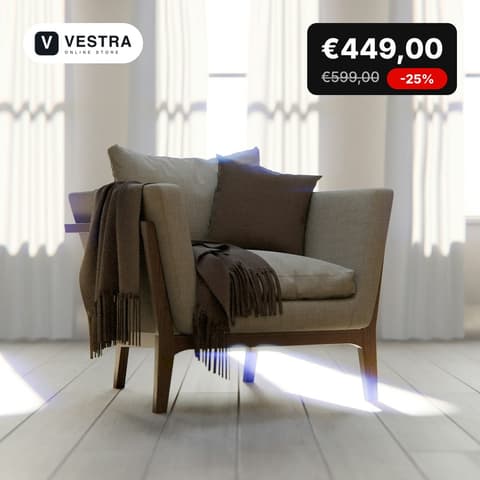
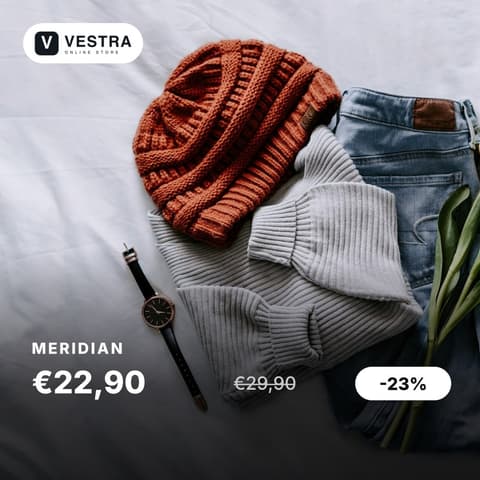
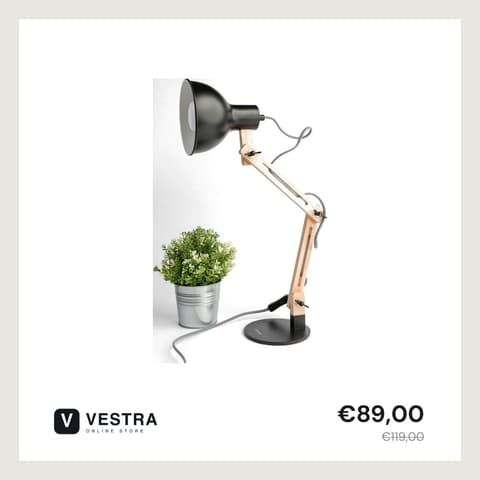
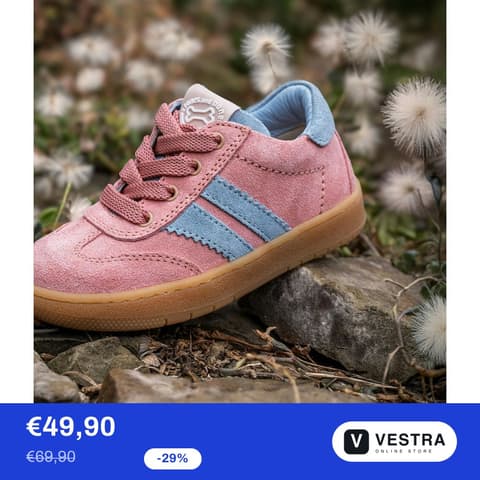
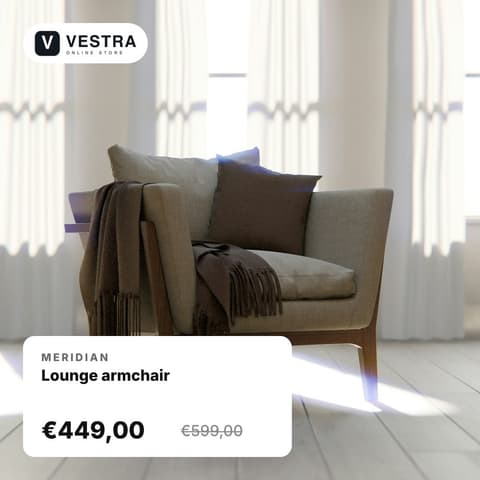
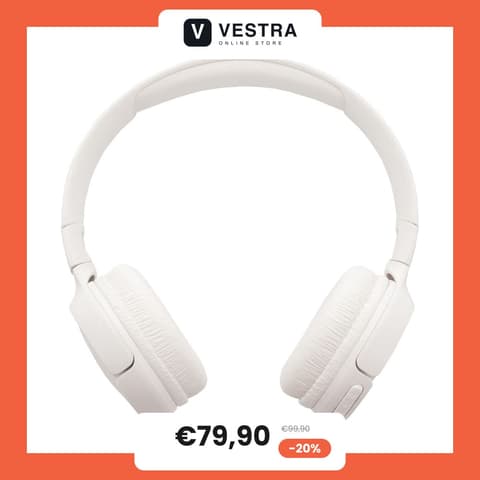
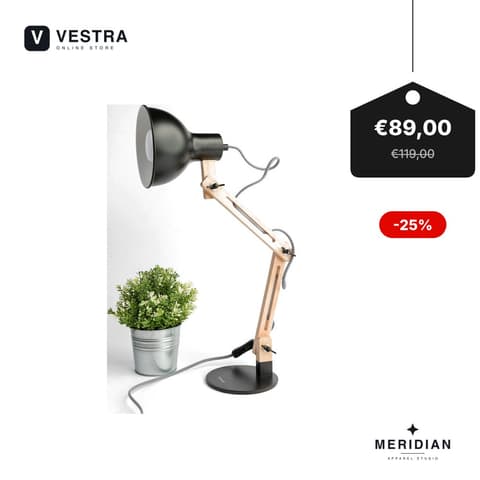
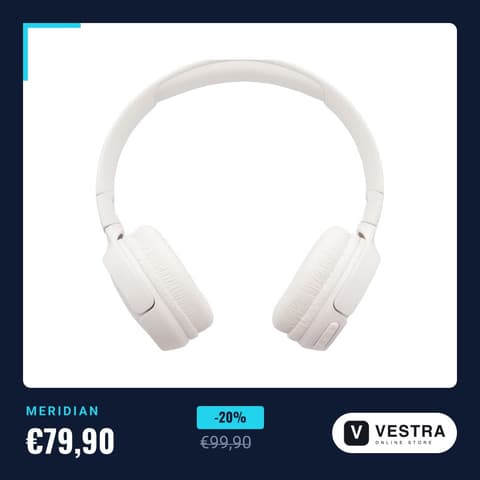
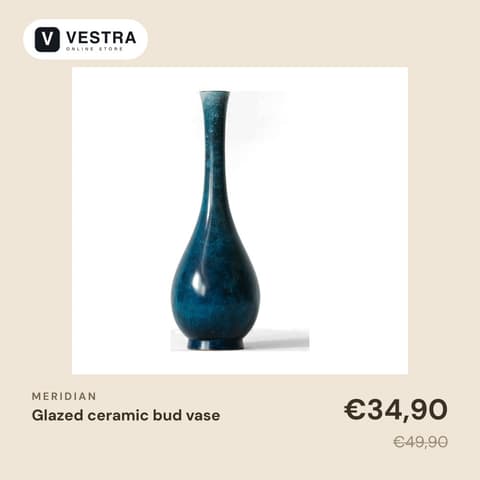



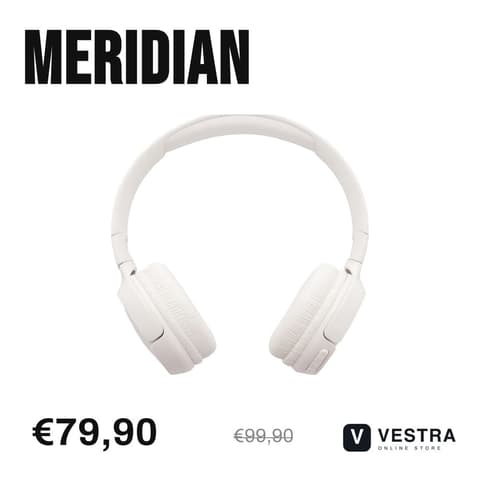
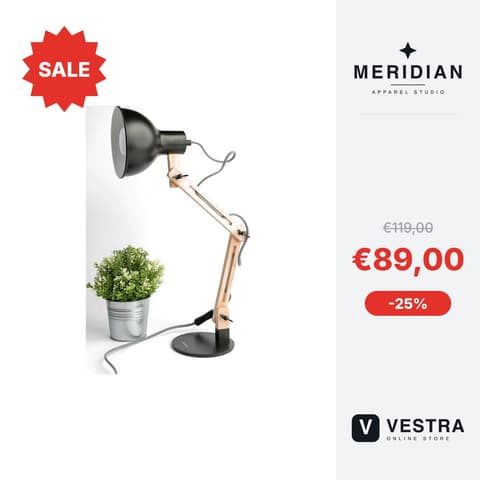
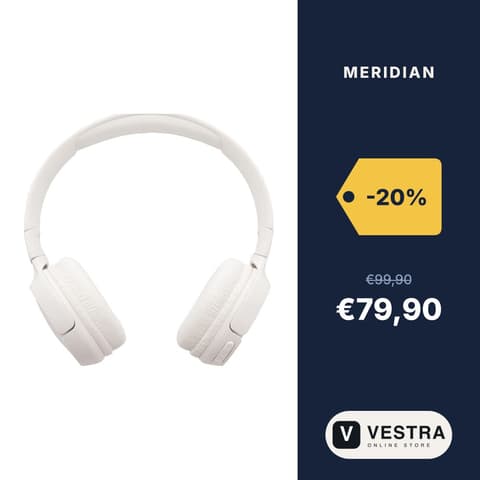
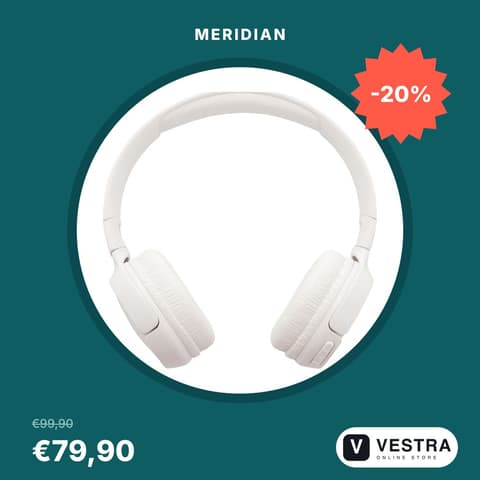

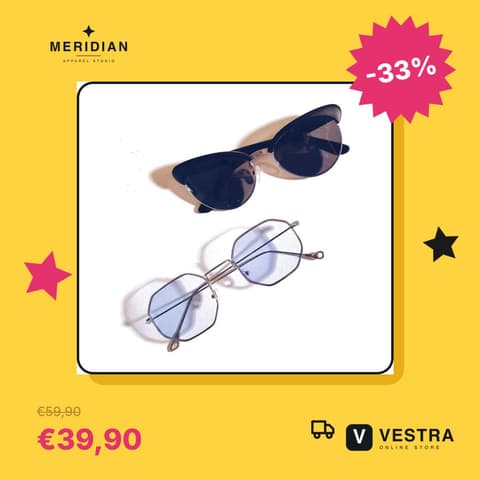
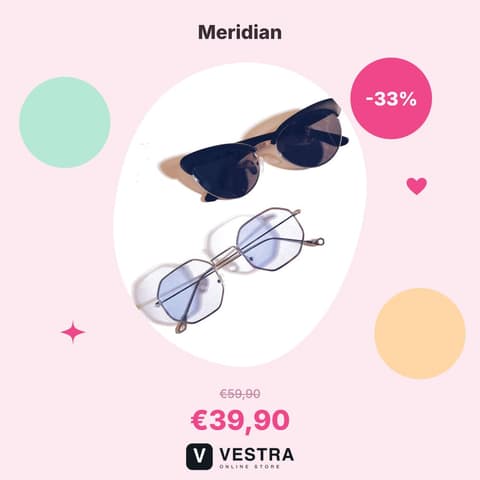
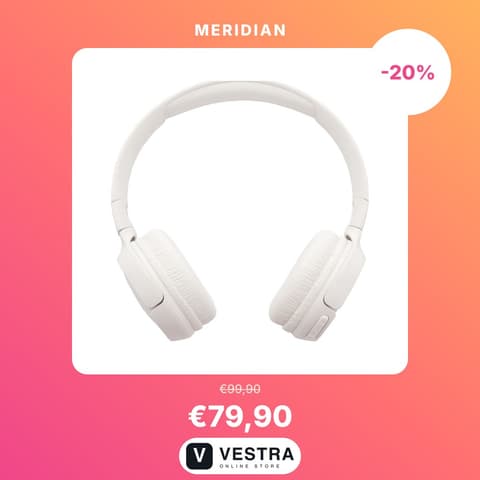
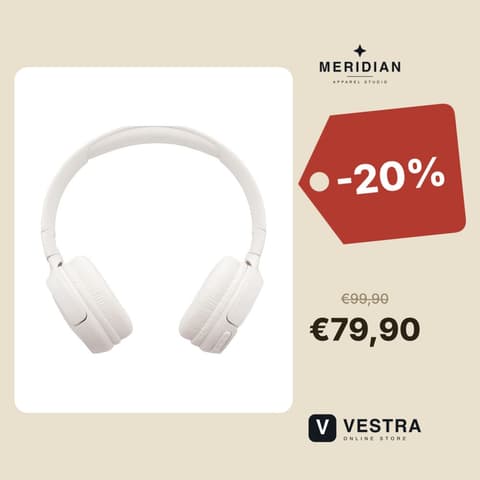

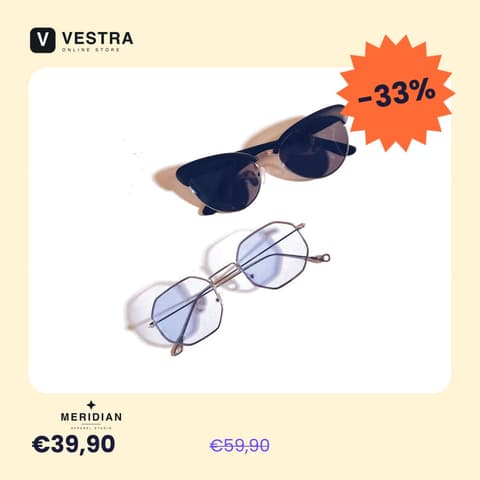
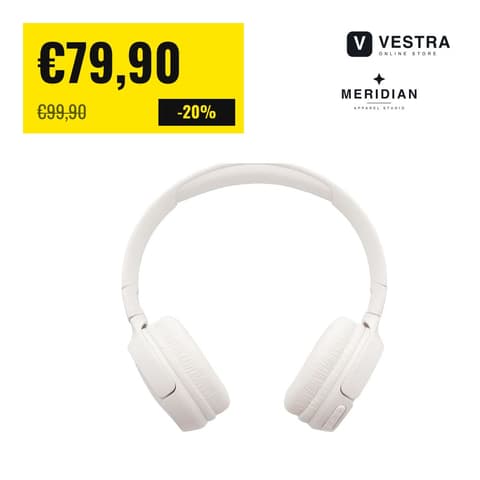
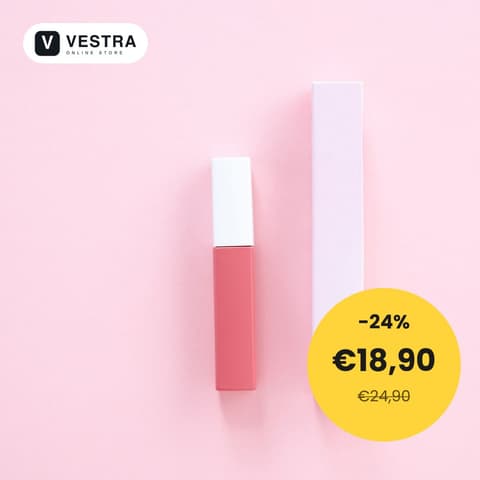

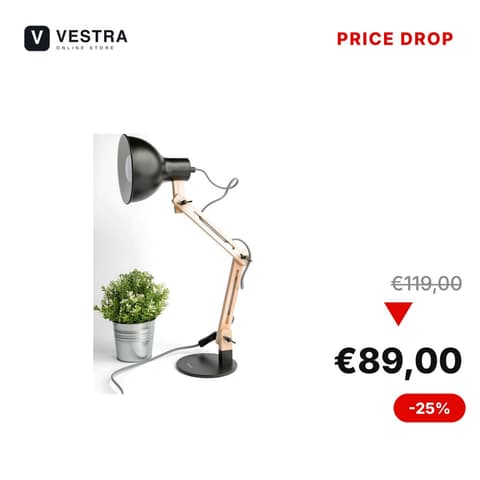
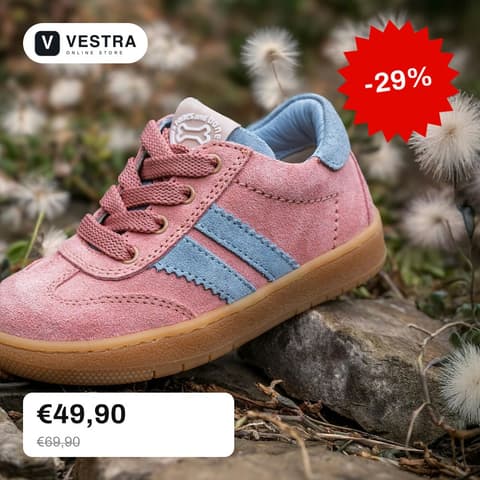
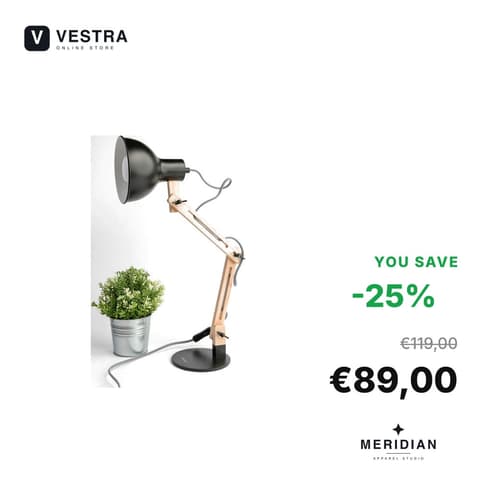


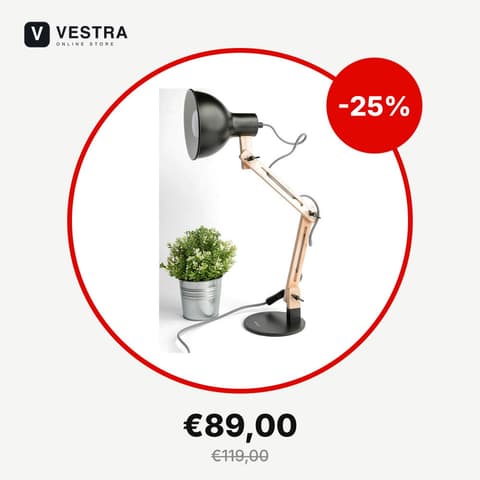
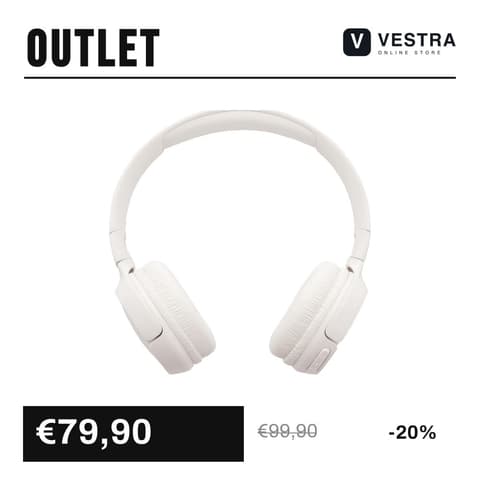


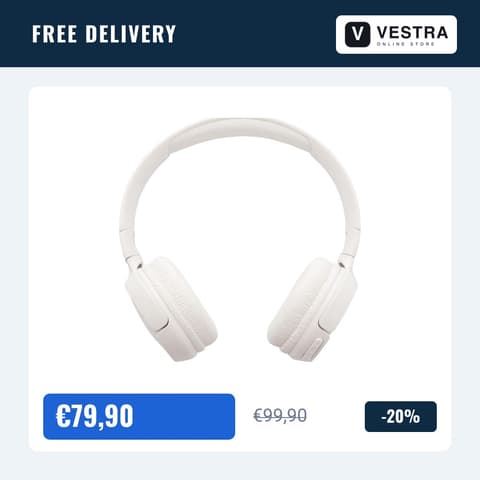
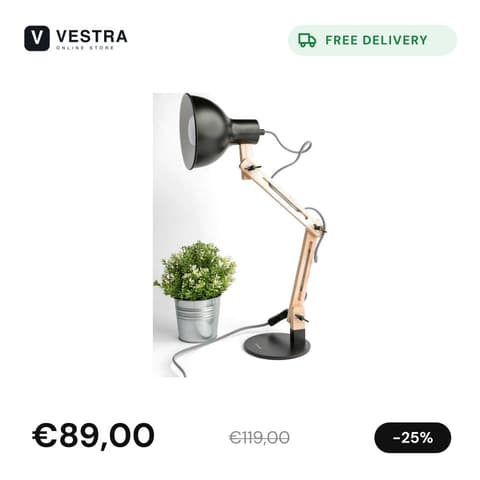

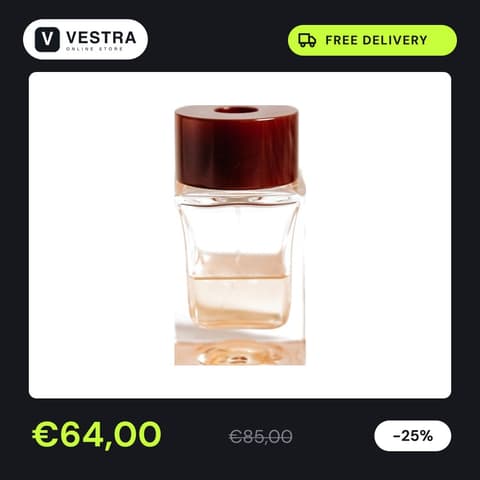
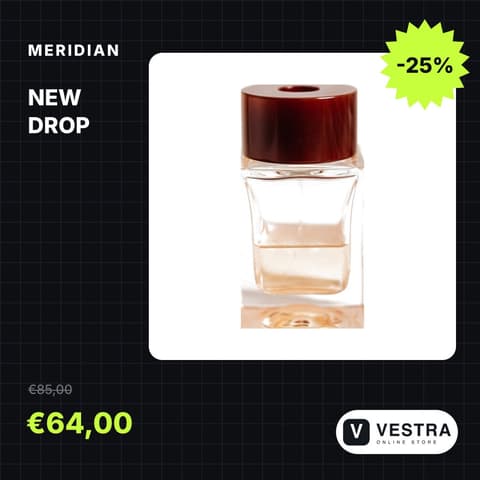
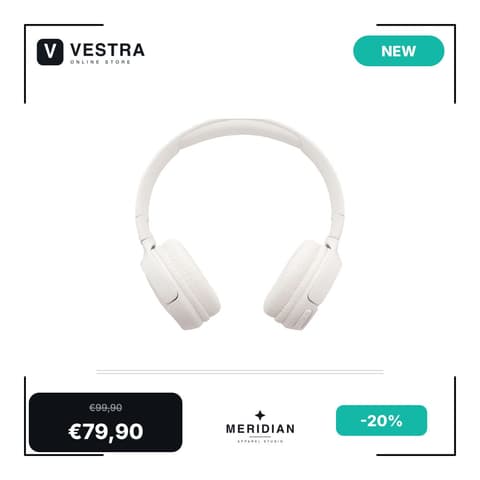
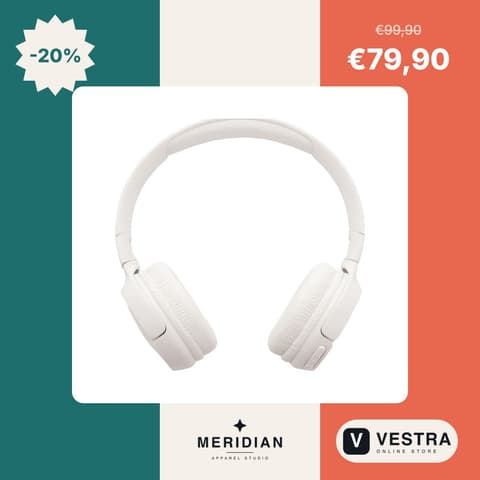
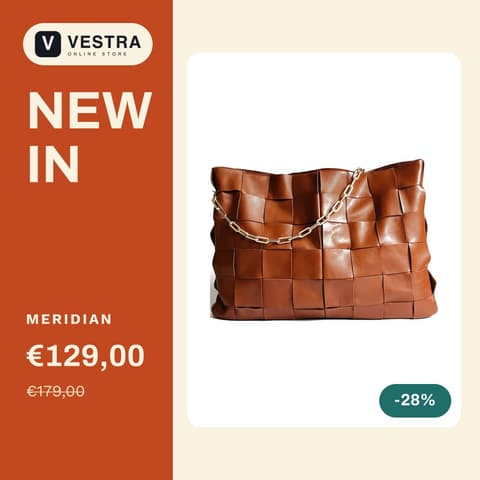
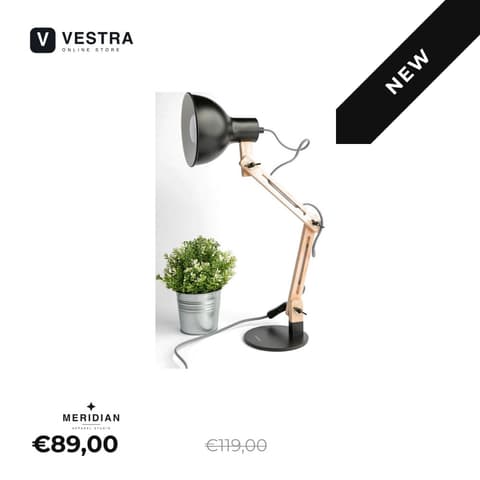


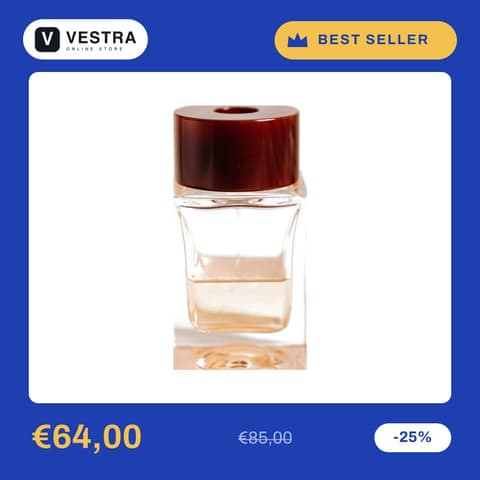
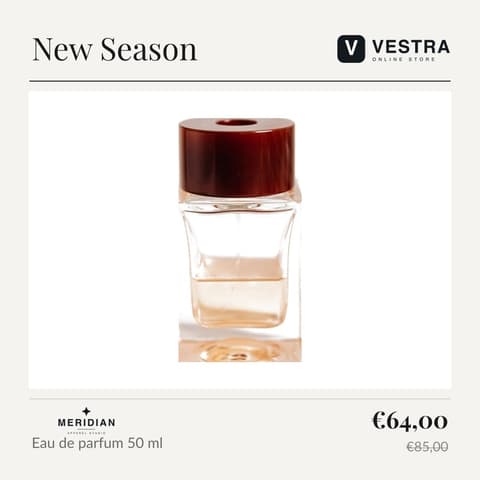
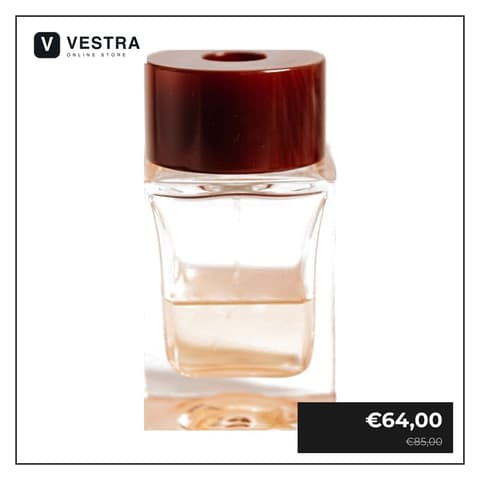
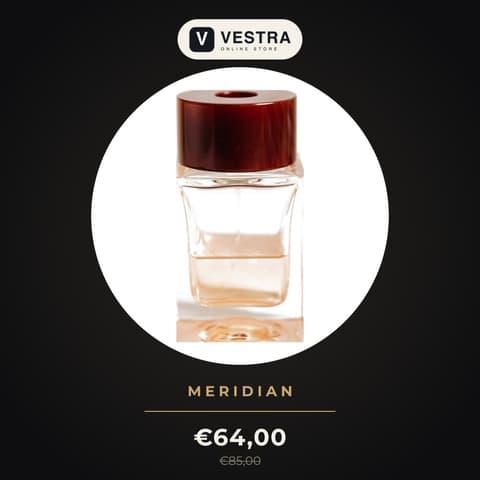
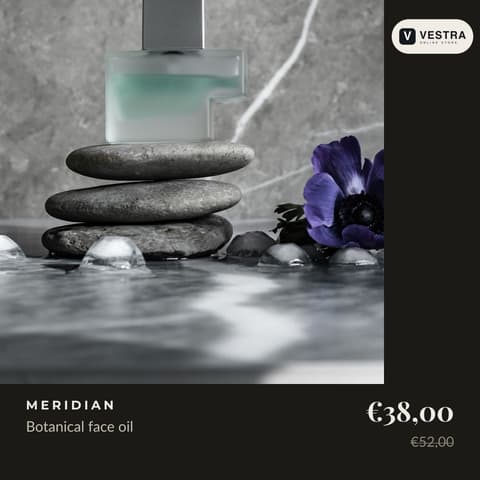
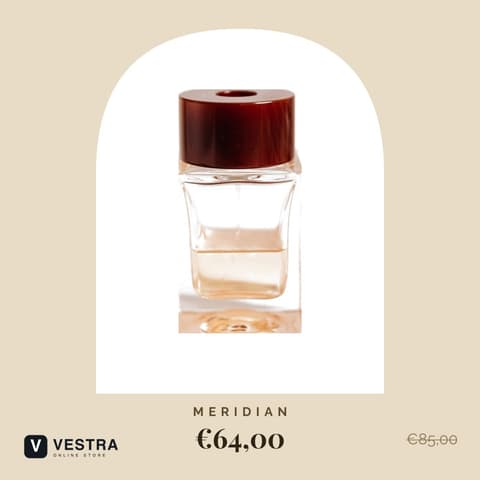
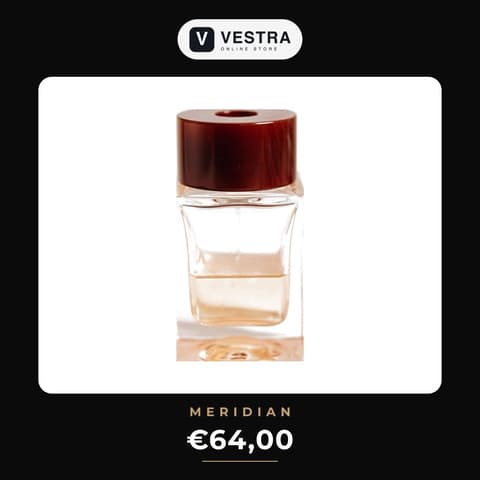
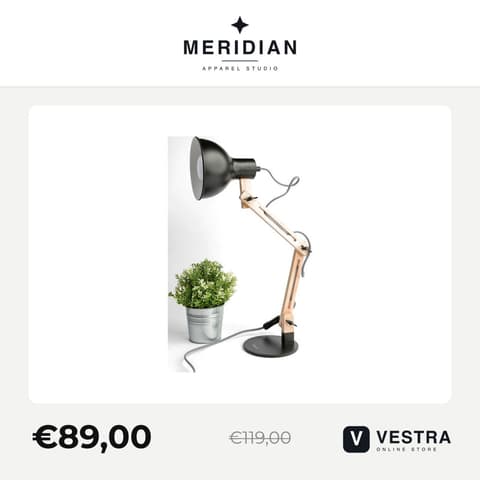













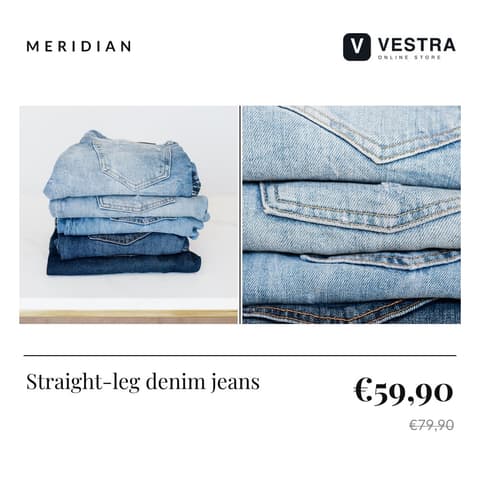
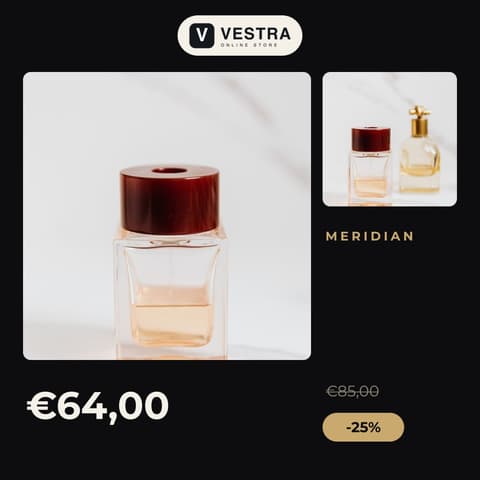
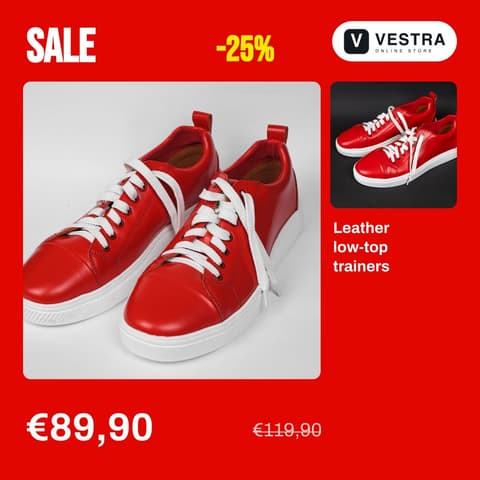
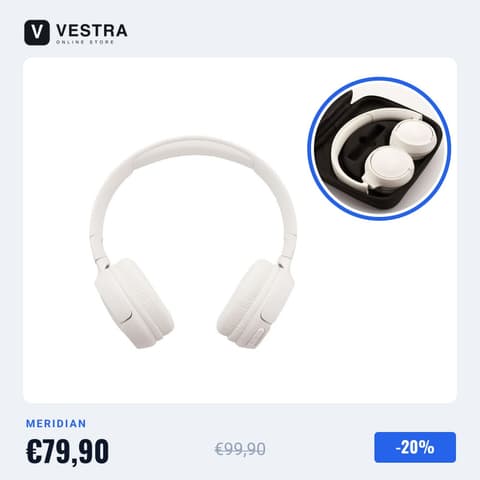


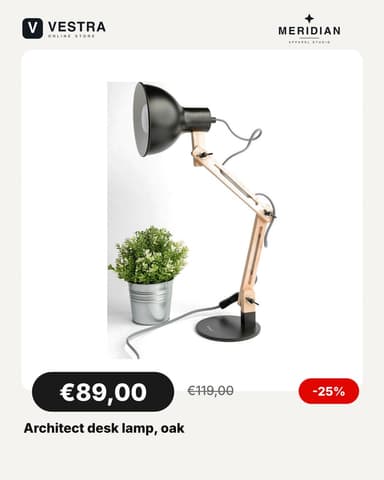
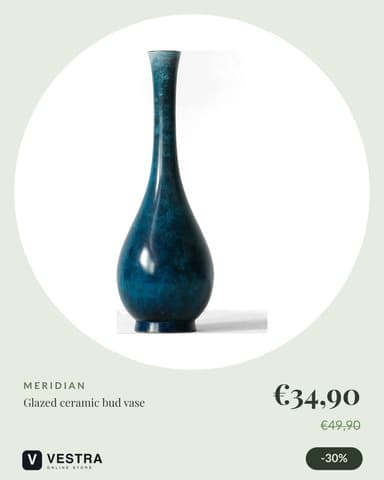

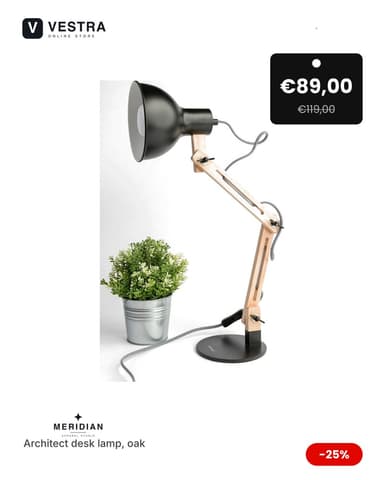



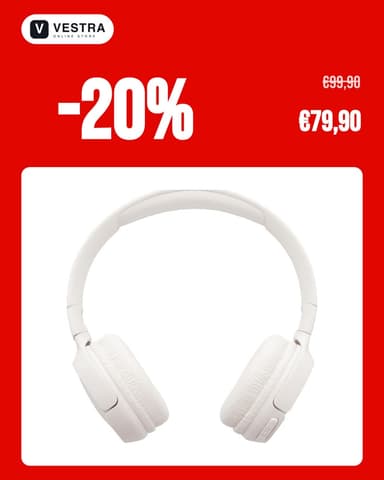
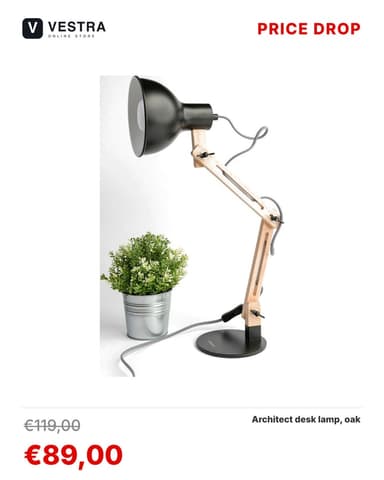
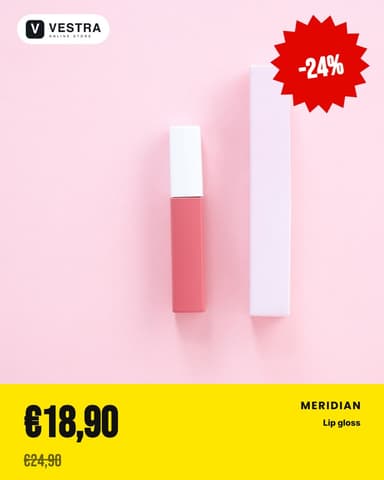


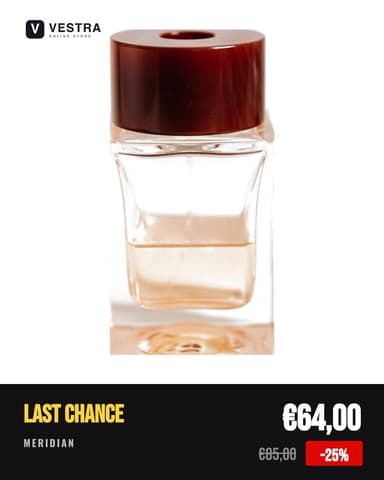

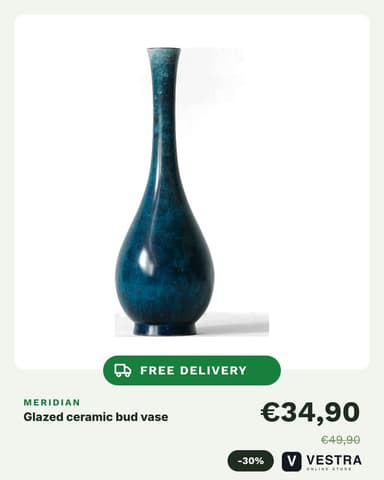
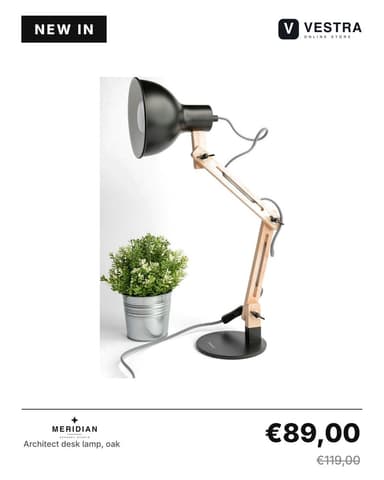

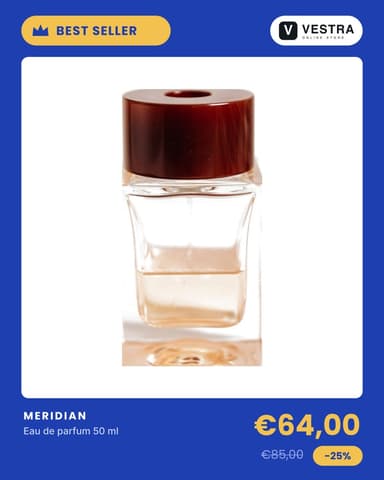
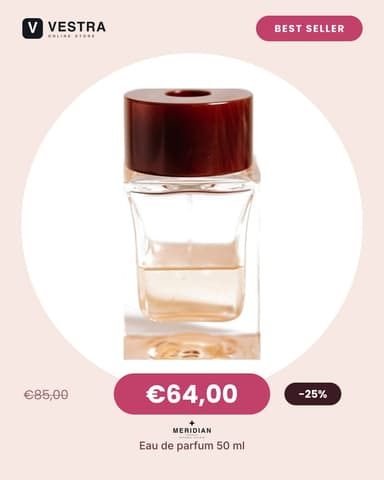
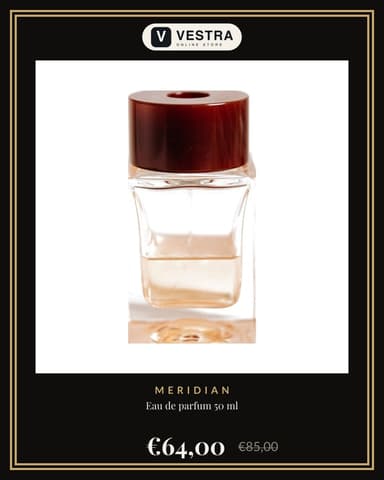






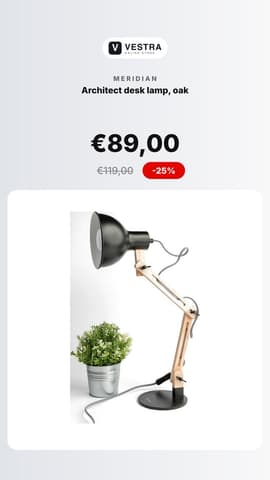




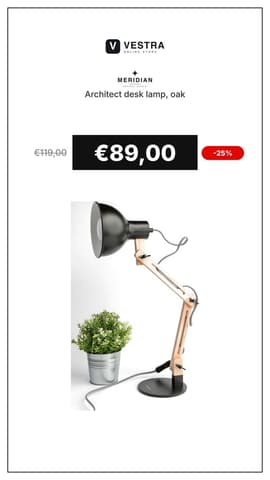

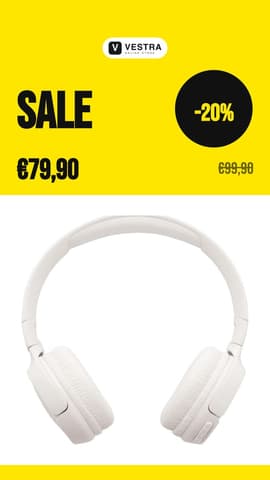
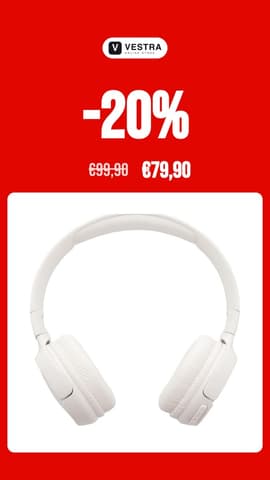

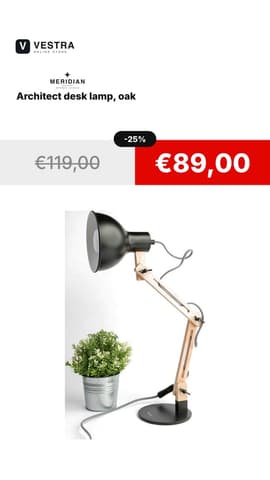




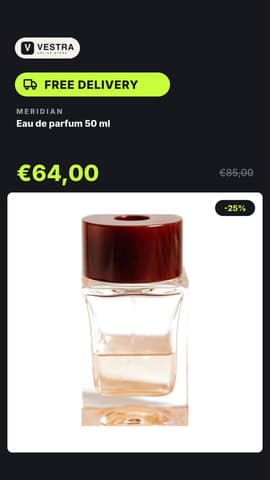
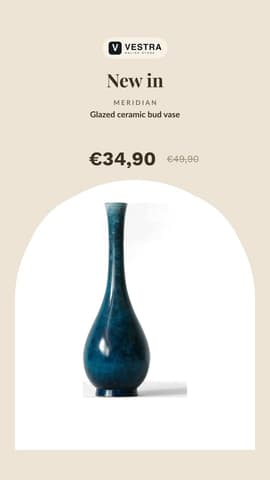
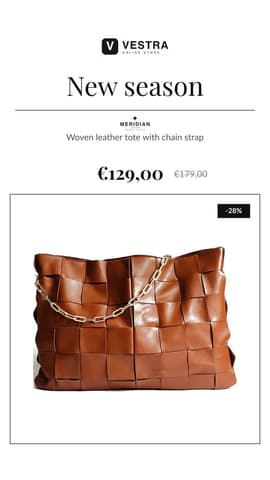







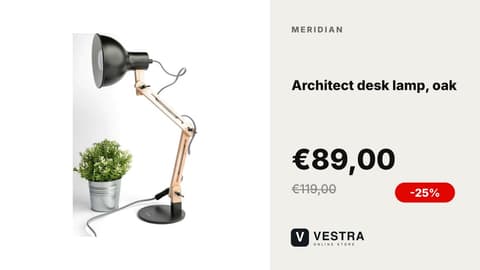

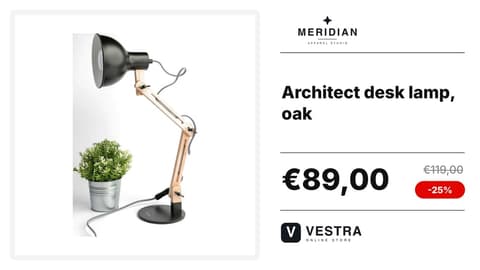
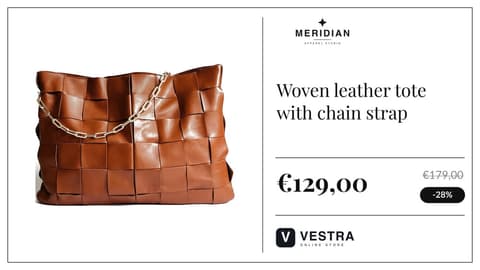


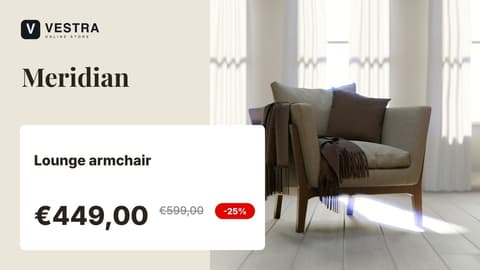







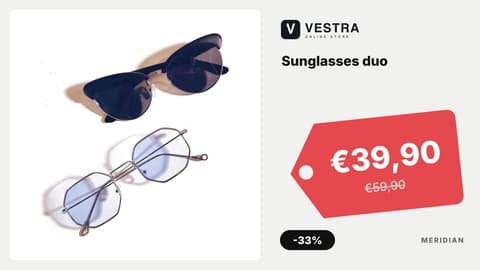

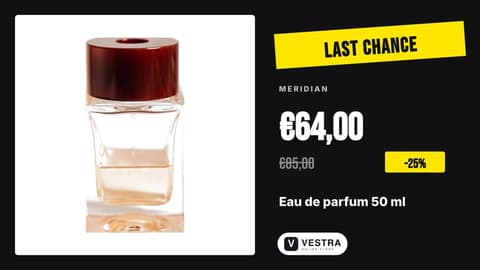




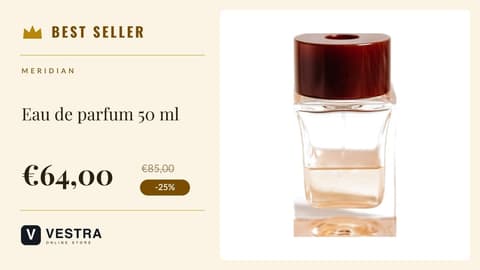

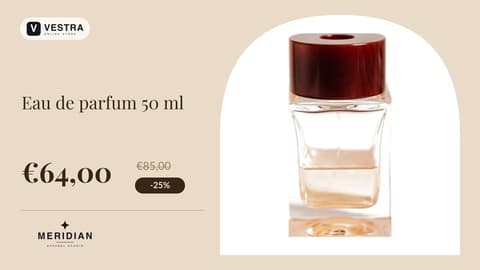
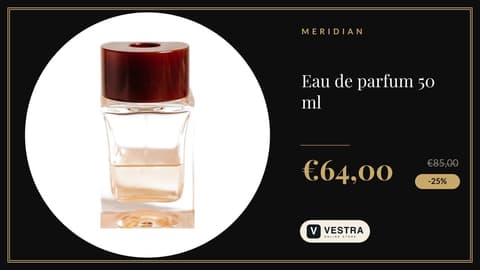
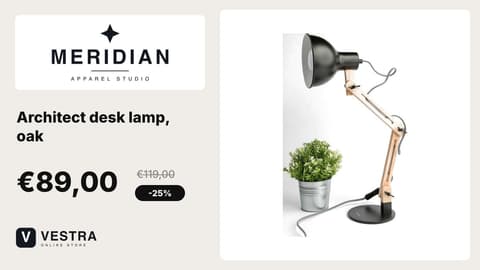




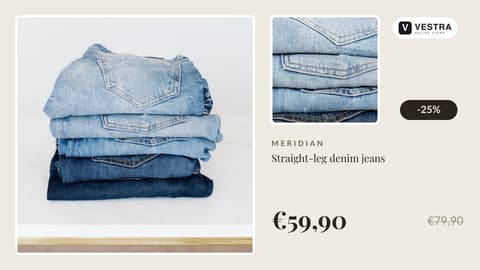
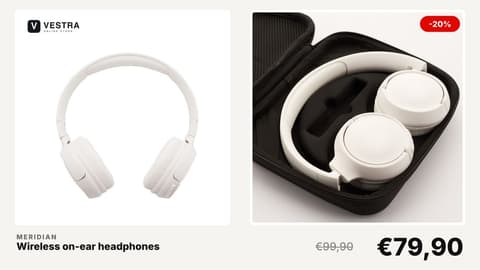












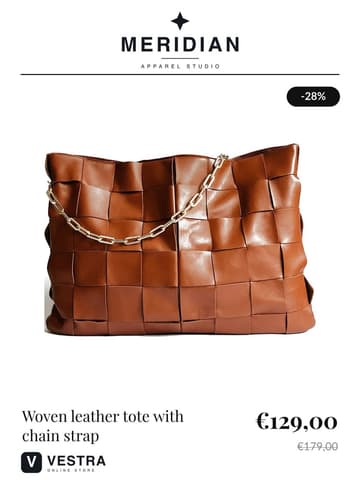

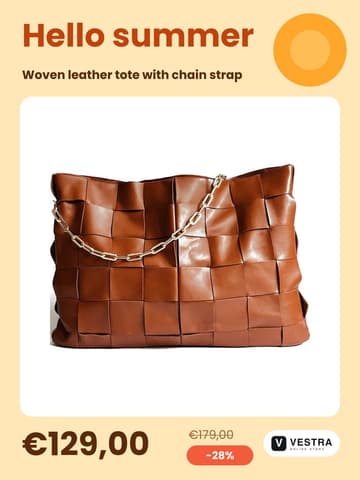

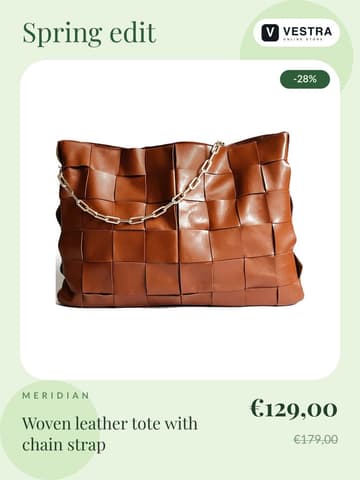
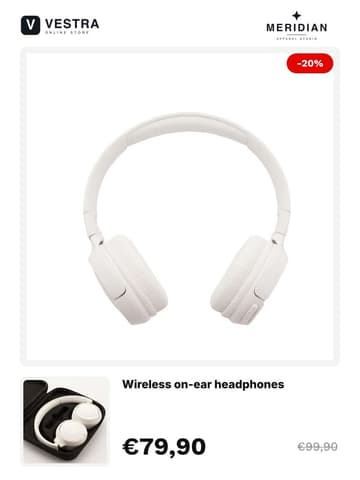


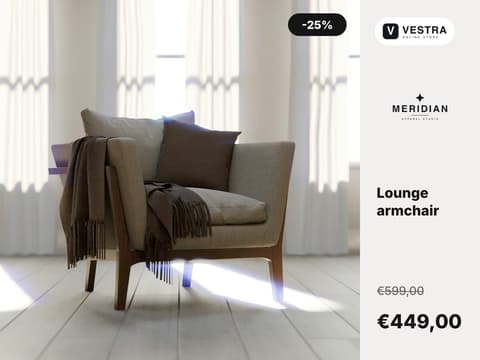

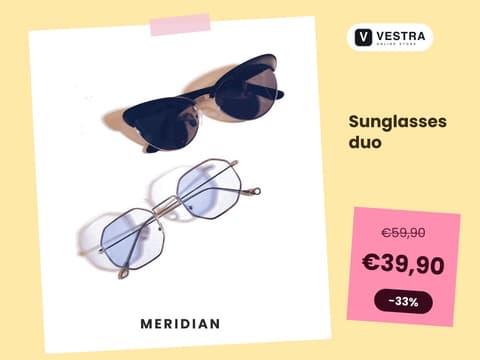
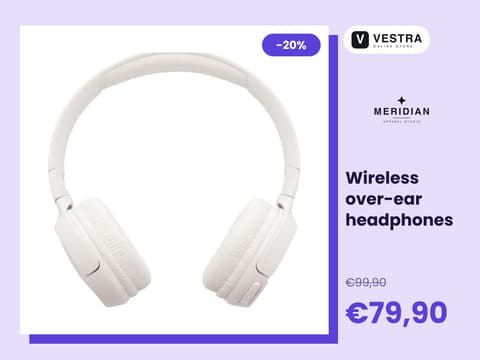

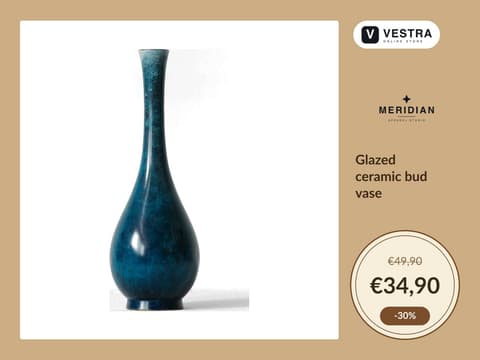


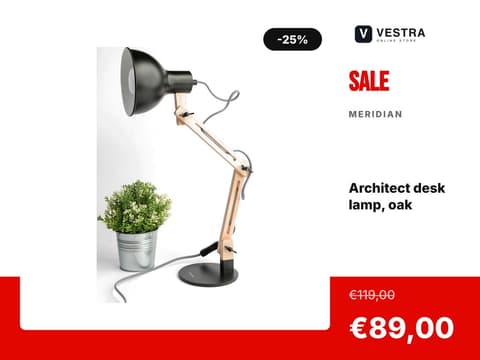


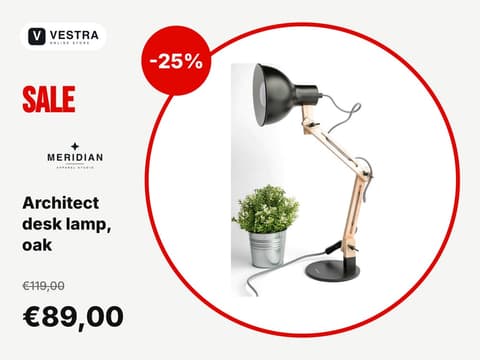

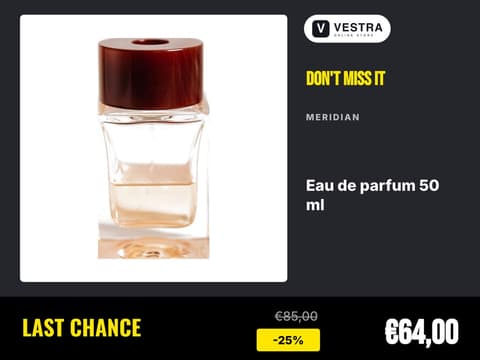


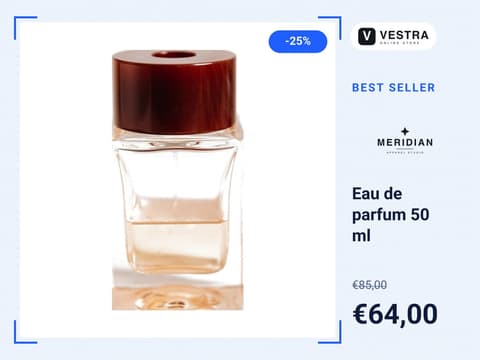
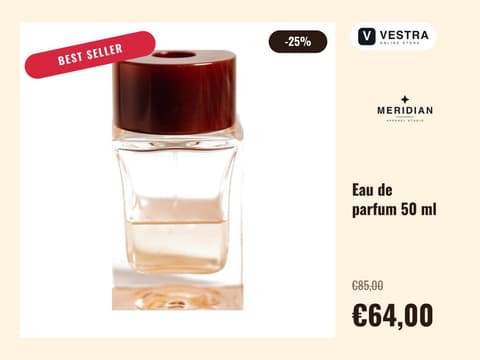
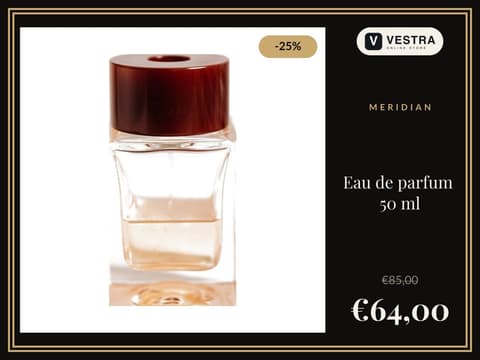
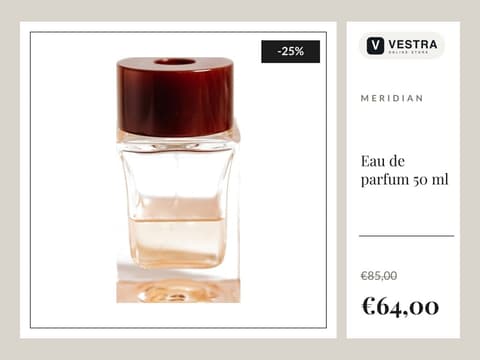


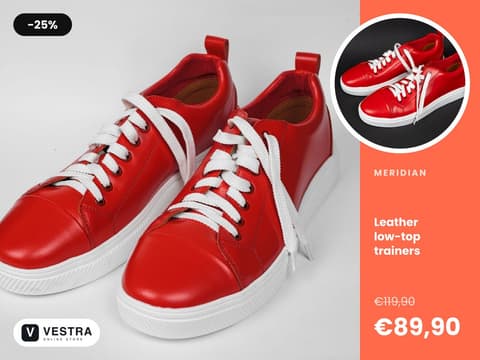

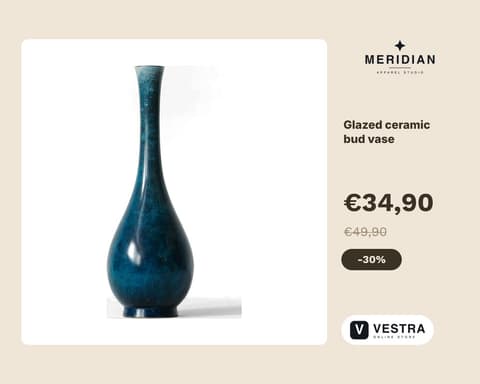

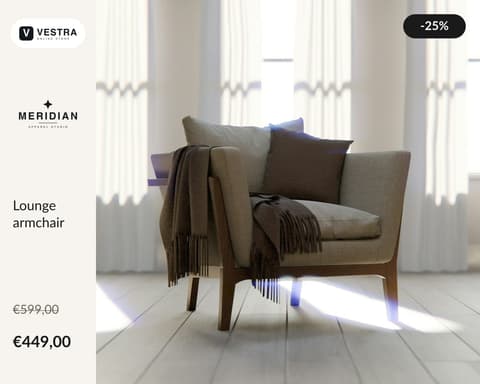


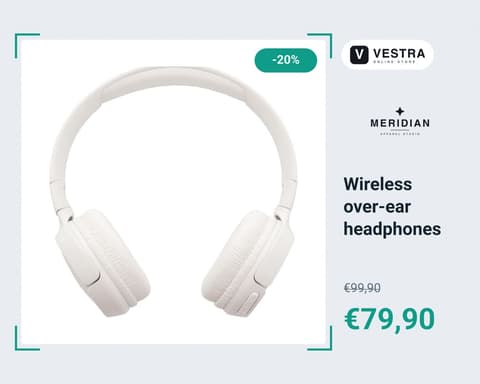








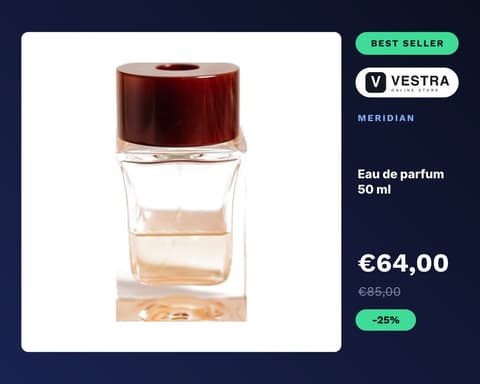
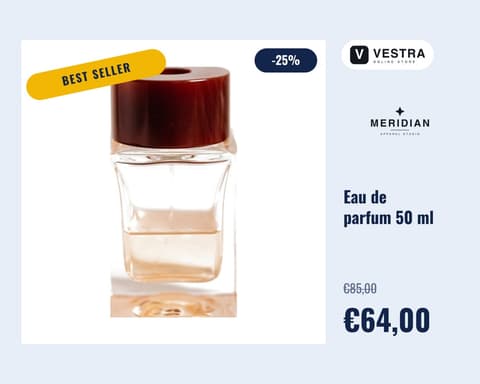
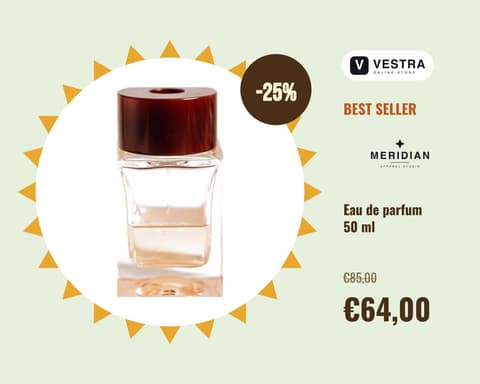
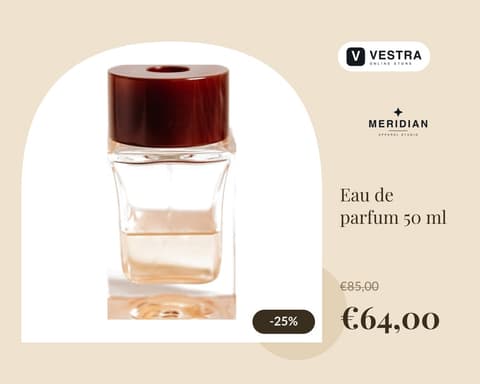



Editor
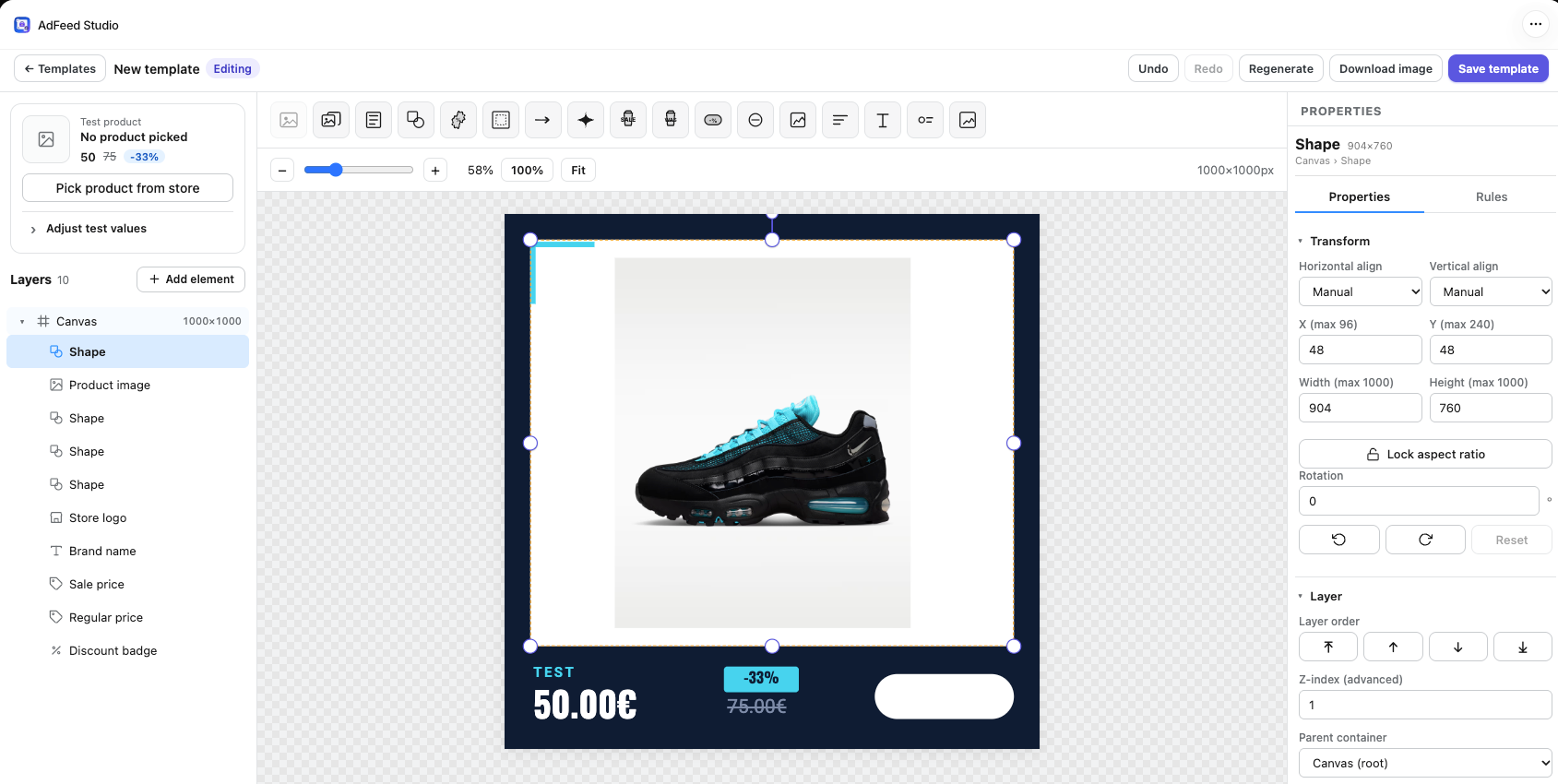
A full design editor that knows your products. The preview is always a real product from your store.
 12345
12345 Eight fill themselves in from each product; nine are design pieces.
Pick one from your store or type test prices.
Stack and group everything on the canvas.
The canvas is the image that goes to the feed.
Fills, outlines, text effects, and when things change.
Flip the product’s data and watch the ad follow.
clearance then show “Last pieces” ribbonbest_seller equals yes then show Best seller sealRules read tags, custom fields, prices and the discount. They show, hide or change an element’s colour, text, shape or icon.
Same template, same photo. The rules decide.
Catalogs and Markets
A catalog is your collections plus a template. Point it at a Shopify Market and the ads carry that Market’s prices and currency, in its language, linking to its domain.
 vestra.store
 Collections
English · prices in USD · links to vestra.com
English · prices in GBP · links to vestra.co.uk
German · prices in EUR · links to vestra.de
English · prices in AUD · links to vestra.com.au
Example prices. A catalog per Market is on the Scale and Enterprise plans.
Merge several catalogs into one feed for a single Meta catalog, in the order you choose. Each one keeps its own template, so bags can wear one look and fragrance another.
Always up to date
New products get an ad, removed ones leave the feed, and a change to a price, title or photo re-renders the ad. Your feeds update within about a minute. You never export an image again.
Woven leather tote with chain strap 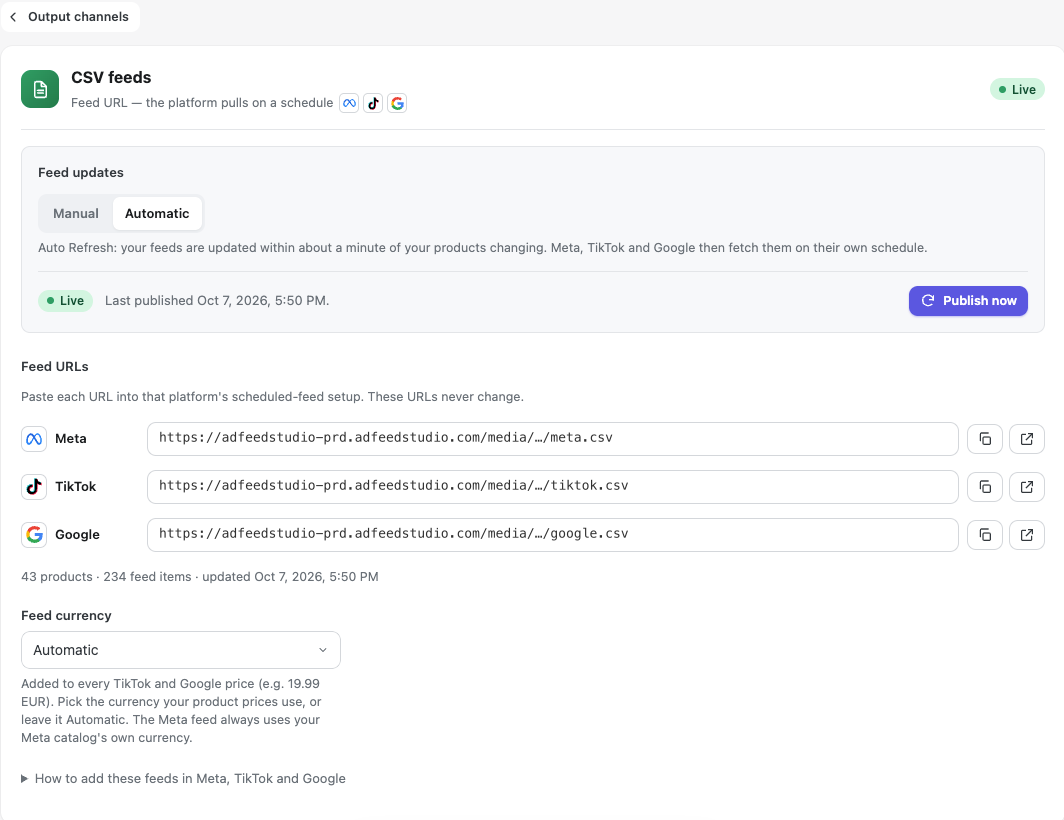
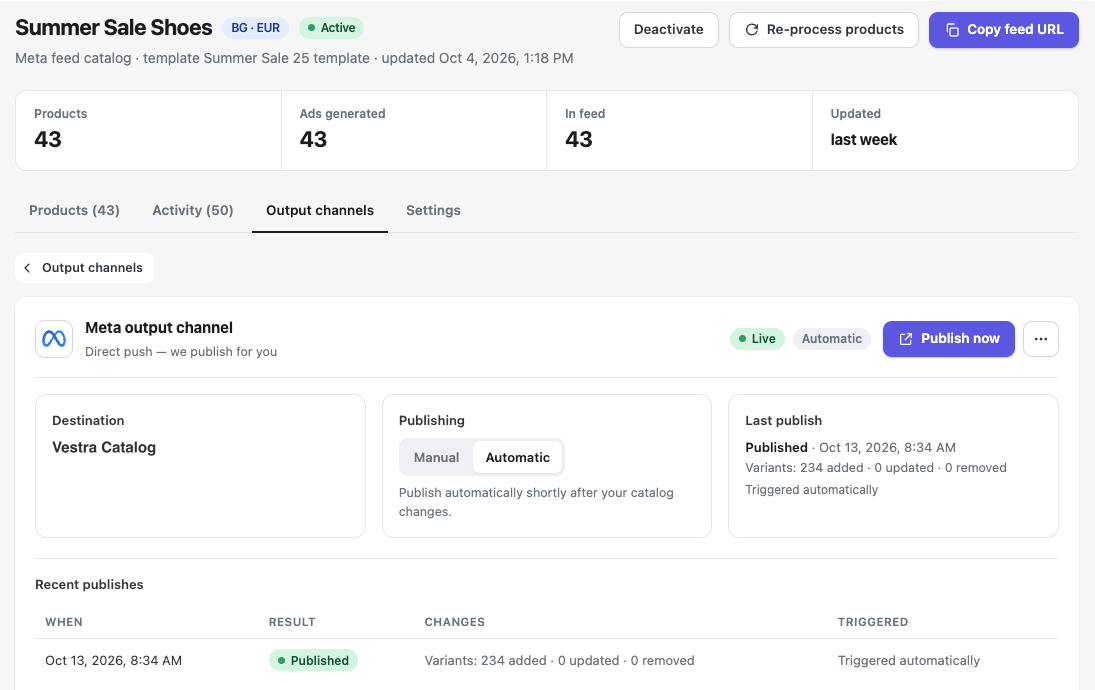
More output channels are on the way.
Video guides
Short screen recordings of the real app, from your first catalog to the last detail in the template editor. Start at the top or jump to the one you need.
Better together
AdFeedStudio App gives every Market its own catalog, with a branded ad image for every product. AFS Multi Pixel gives that Market its own pixel. Each Market’s ads then learn from that Market’s shoppers alone.
A catalog per Market is on AdFeedStudio App’s Scale and Enterprise plans.
 Catalog · AdFeedStudio App
  Pixel · AFS Multi Pixel Pixel 1184…2290 Only shoppers in the United States Catalog · AdFeedStudio App Pixel · AFS Multi Pixel Pixel 7741…0412 Only shoppers in the United Kingdom
 Example: T-shirts are your best seller in the US, rain jackets in the UK. With one shared pixel, both Markets’ ads learn from the same mix of views, carts and purchases. With a pixel per Market, the UK pixel sees only UK shoppers, so your UK ads learn from what sells in the UK.
Branded ad images with price, discount and logo, for every product.
AdFeedStudio AppEach Market’s catalog has its own prices, currency and language, and its own feed.
AdFeedStudio AppEach Market’s ads learn from its own views, carts and purchases.
AFS Multi PixelPricing
Every plan has the editor, unlimited catalogs and Meta, TikTok and Google feeds. Billed through Shopify, cancel anytime.
Prices in USD. A render is one product image rendered successfully; feed updates are free. A product in three catalogs counts as three catalog products. More than 100,000 products? Talk to us about a custom plan.
Install, pick a template, point it at a collection. The feed is ready as soon as the first ads are.
7-day free trial on Starter · Billed through Shopify · Cancel anytime
You get a share of every payment the store makes, every month, not a one-off bonus. Free to join.
We use cookies only for anonymous statistics — to learn which parts of the site are useful. Without them the site works normally. More in the privacy policy.